9742146 28 / 42
15.3.7 Viewing/modifying output status (depending on code input)
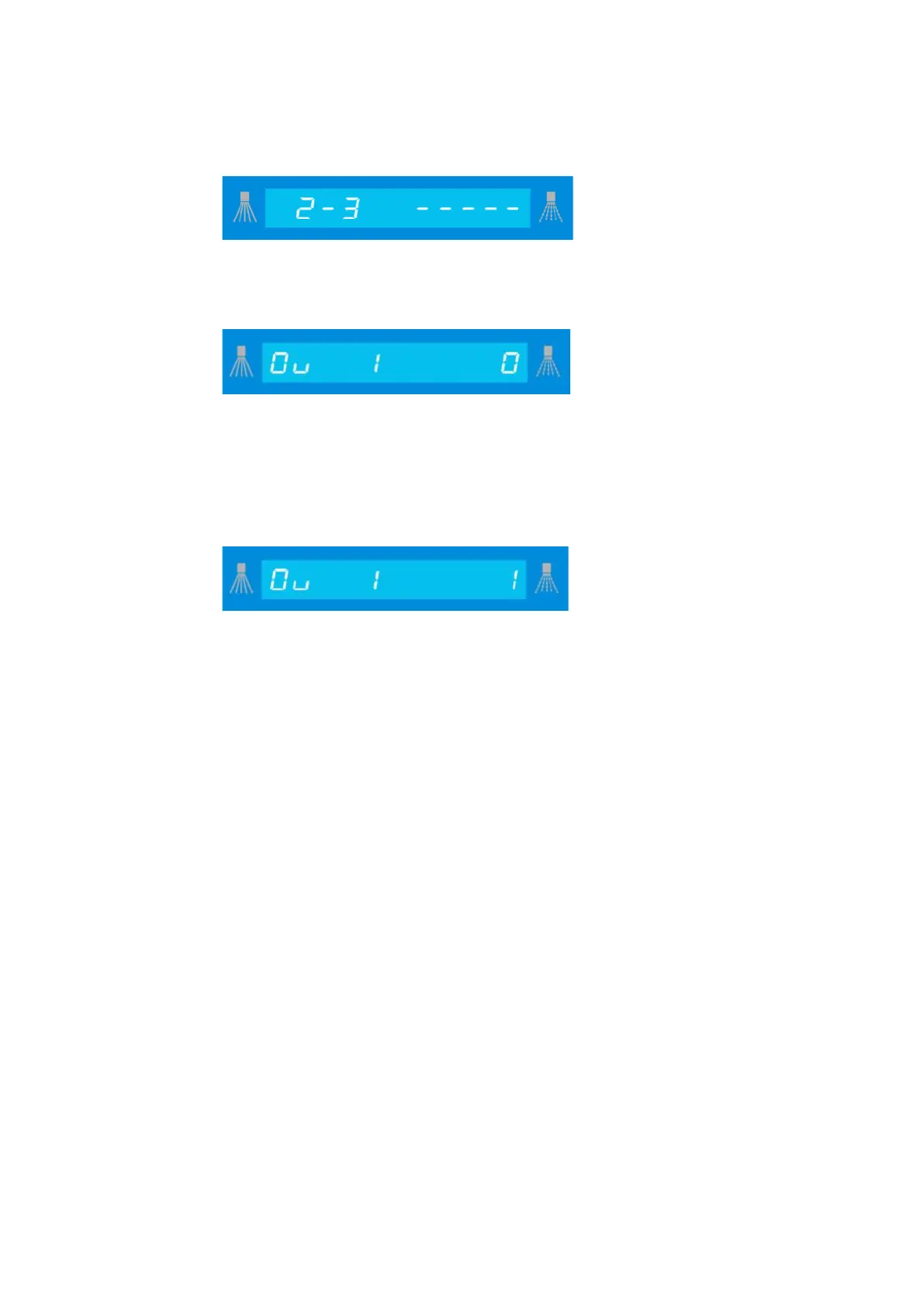
Confirm the
display by pressing "Accept".
View:
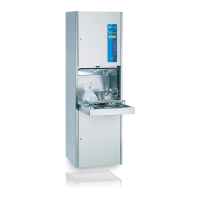
Now, the first output is shown with its status.
Use the “I“ button to go forward and the “III“ button to go backward until the desired input
is displayed.
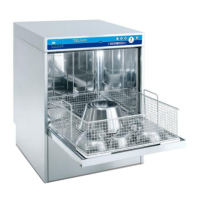
Modify:
Press the “Accept” button to confirm the modification of the output; the value flashes.
Press the “I” button to modify the value and press the “accept” button to save it.
The output is now set.
You can leave this level by pressing the “0” button.
Output assignments are given in the assignment list for each machine. (see 15.5)
15.3.8 Viewing/modifying the dosing technology level
Entering a code of 40000 (read only) or 40044 (read/write) gives the user access to the
new 4th parameter level which groups all the dosing technology parameters:
P104, P105, P218, P219, P224, P225, P321, P322, P326, P327.
See 15.4 for list of parameters


 To Next Page