PERFECT page 17
10. Programme operation
PRINT
SETUP
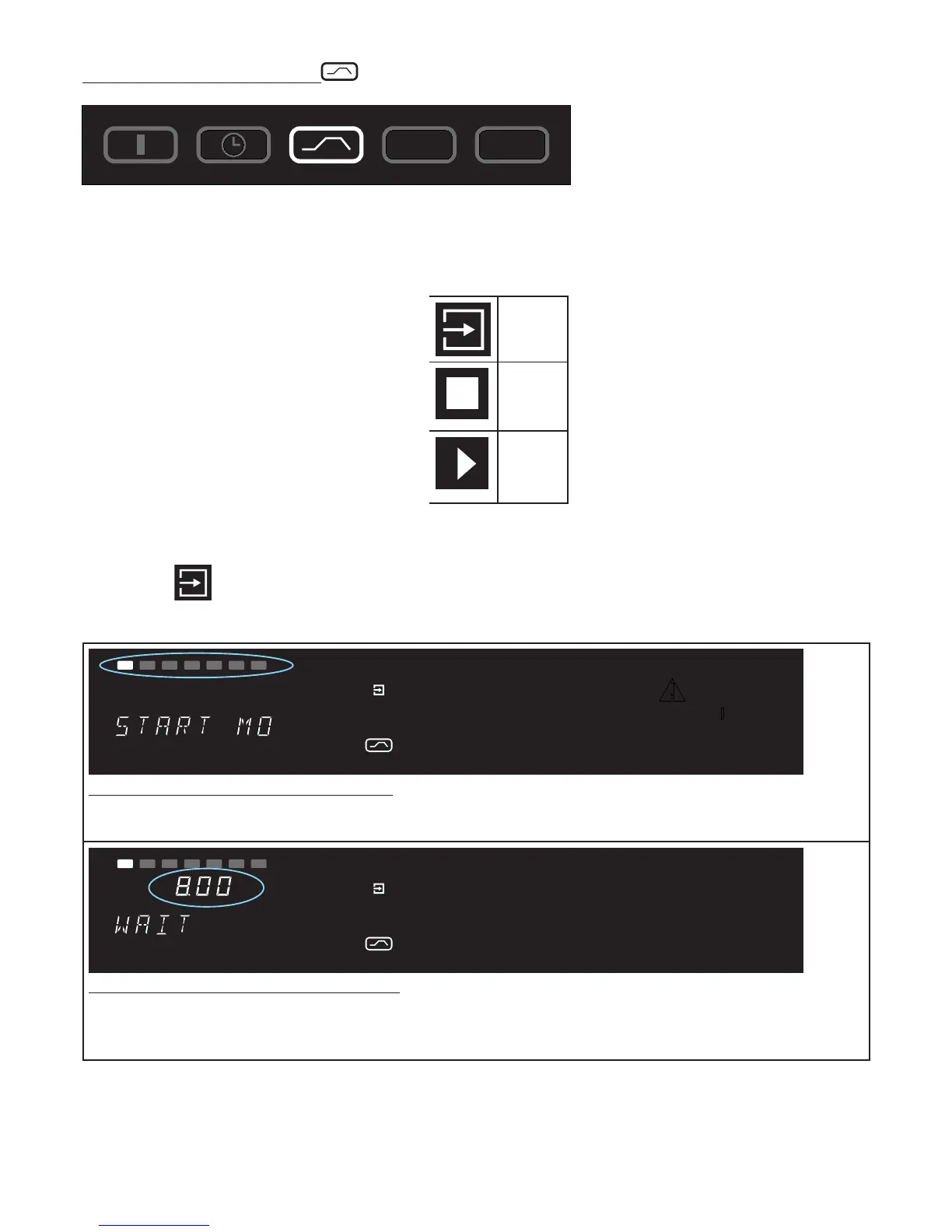
In this operating mode, up to 40 freely programmable temperature-time ramps can be set. Rotating the
press/turn control while holding down the SET key selects the following parameters in sequence after
released the SET key:
- a new programme can be programmed or
an existing programme can be edited
EDIT
- stops the programme
STOP
- starts the programme
START
After EDIT
has been activated, the following parameters can be selected and can be altered as
described in the Section “Selecting the parameters“:
PRINT
SETUP
loop
t3
t4
t2
t1
on
off
Mo
Tu
We
Th
Fr
Sa Su
°C
MAX
°C
h
Delayed programme start: switch-on day
Range: Monday to Sunday, workdays Mo-Fr, weekend Sa-Sun, all days Mo-Su or no day. If no day of the
week is selected, the oven starts up immediately after the programme is started. ( instant start )
PRINT
SETUP
loop
t3
t4
t2
t1
on
off
Mo
Tu
We
Th
Fr
Sa Su
°C
MAX
°C
h
Delayed programme start: switch-on time
Range: 00:00 to 23:59
If no switch-on day has been selected it is not possible to select a switch-on time, and the programme
starts immediately. ( instant start )



 To Next Page