PERFECT page 13
8. Normal operation
PRINT
SETUP
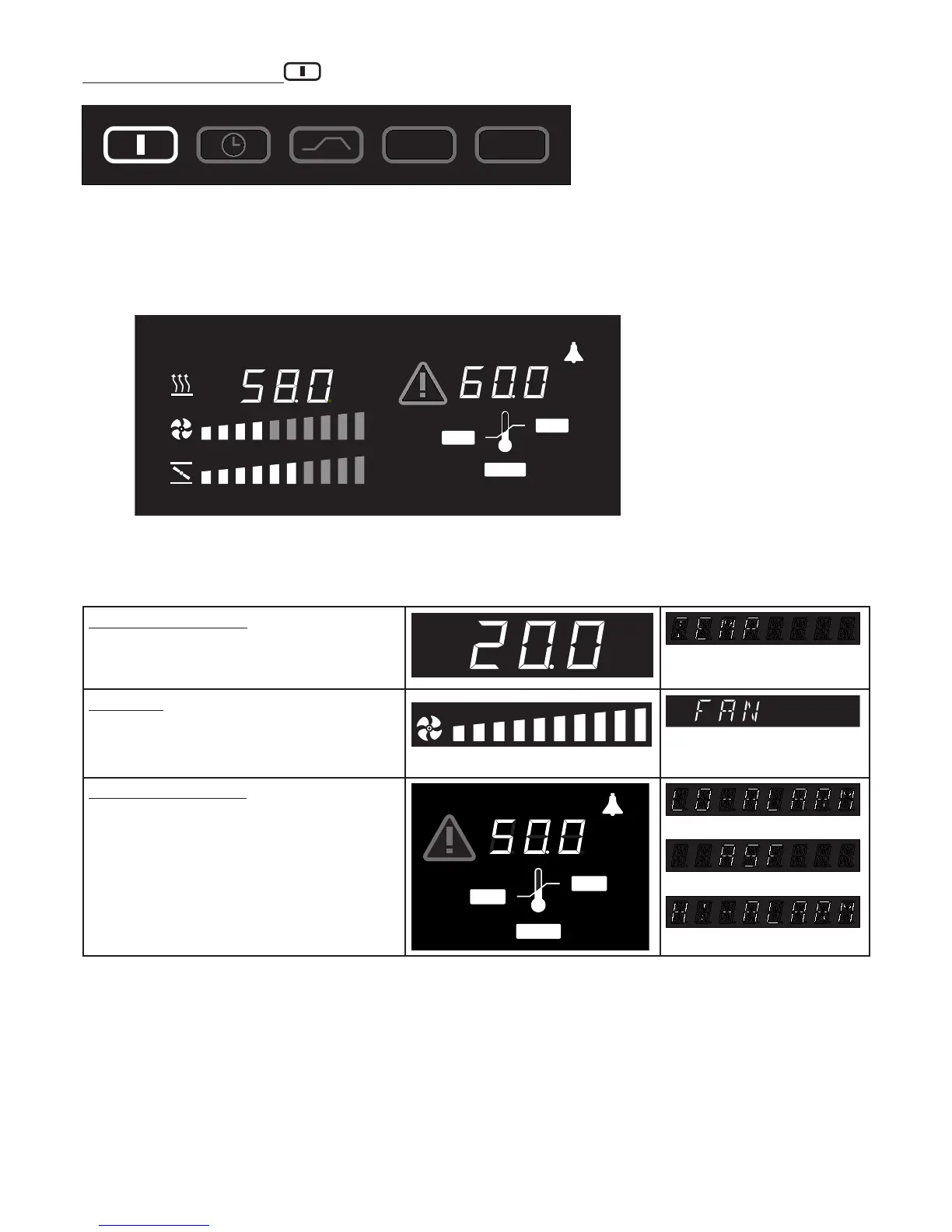
In this operating mode the oven operates continuously. The settings for operating the oven can be selected.
The settings act directly on the operation of the oven.
MIN
MAX
AUTO
°C
˚C
By rotating the push/turn control the following parameters can be selected and can be altered as described
in the Section „Setting the parameters“:
Temperature setpoint
Range: 0°C bis 60°C
˚C
Fan speed (ICP incubators only)
Range: 10 to 100%
in 10% steps.
Temperature monitor
Adjustment range: MIN MAX AUTO
(see Section: “Temperature monitor“)
MIN
MAX
AUTO
°C



 To Next Page