Recording Messages
The TSD402 has a built-in microphone and
speaker so that phrases can be recorded and
replayed directly from the unit. Messages are
formed by combining a common phrase (0) and
one of the alarm phrases (F, P or A).
When the out-going call is answered the unit plays
the common phrase (0) and one of the three alarm
phrases F, P or A. Phrase 0 normally states the
nameandaddressof the user and phrases F,Pand
A relate to the alarm type (FIRE ,PA, ALARM).
There is 60 seconds of recording time available for
phrasesand eachphrase canbe anylength aslong
as the total does not exceed 60 seconds. For
example, the common phrase may be 12 seconds,
`phrase F' 5 seconds, `phrase P' 8 seconds and
`phrase A' 7 seconds.
All phrases must be recorded and they must be
recordedinorder(Phrase0,F,Pthen A).Ifhowever
a phrase is not required it must still be selected and
have a blank message recorded. This is achieved
by selecting the relevant phrase and pressing [ to
start the recording process and then pressing ]
immediately to stop the recording process. If any of
the phrases are re-recorded at any time all
subsequent phrases must be re-recorded (e.g., if
PhraseP isre-recorded,then phraseAmust alsobe
re-recorded).
If the system only requires a single message (e.g.
alarm only) it is permissible to record the whole
message in to the common phrase (0).
Before recording phrases it is advisable to prepare
them first by writing them down.
18
User Options TSD402 User Manual
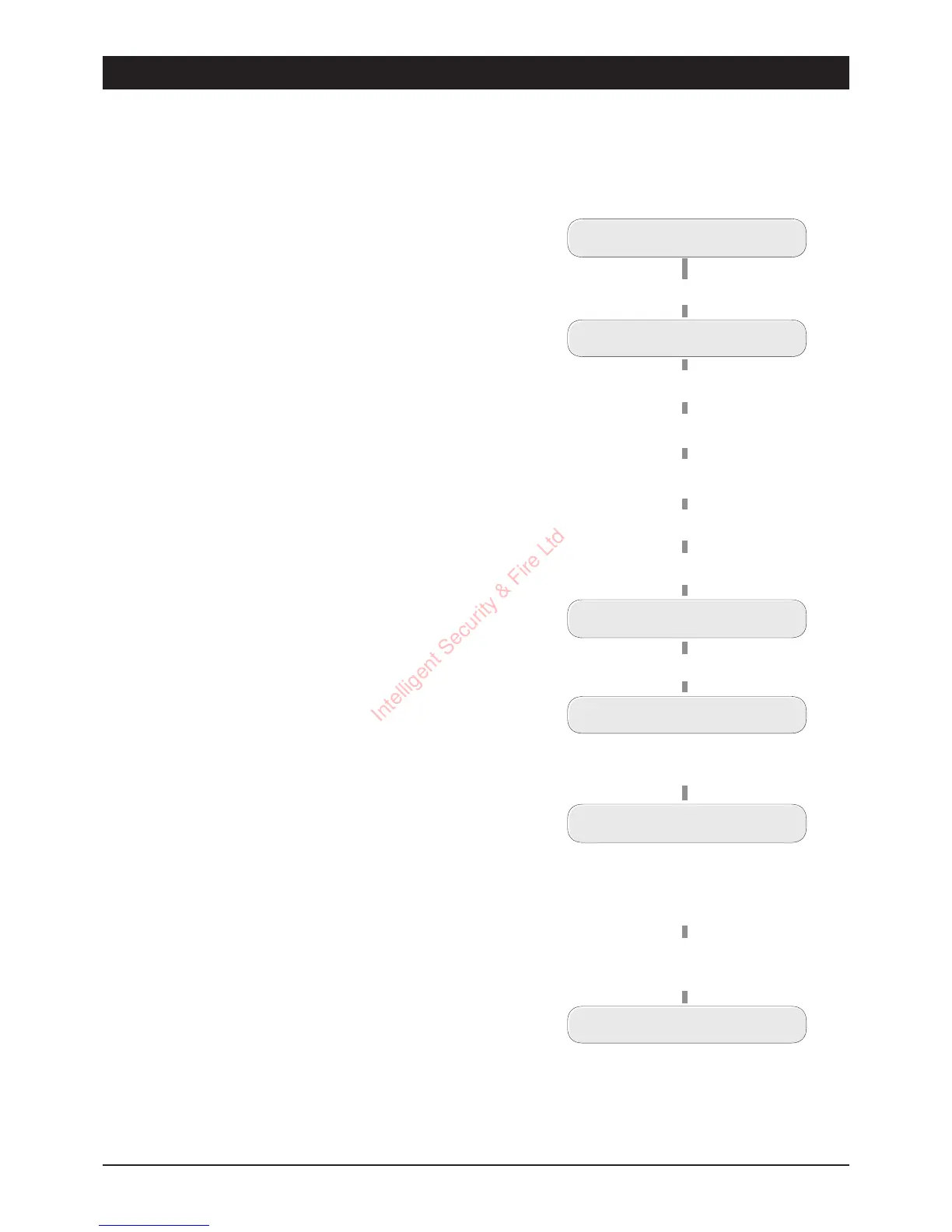
Recording Messages
READY
ENTER 1-3 or 0-9
Press
[
for main menu
Press
7
for Fire Phrase
Press
8
for PA Phrase
Press
9
for Alarm Phrase
Press
0
for Common
Phrase
READY
Speak loud a nd clearly
into the unit.
(e.g., press
0
)
RECORD PHRASE 0
Press
[
to start recording
RECORDING - 01
RECORDING - 12
The display will show how
much recording time has
been used for th e selected
phrase
Press the
]
key to stop
recording
Intelligent Security & Fire Ltd



 To Next Page