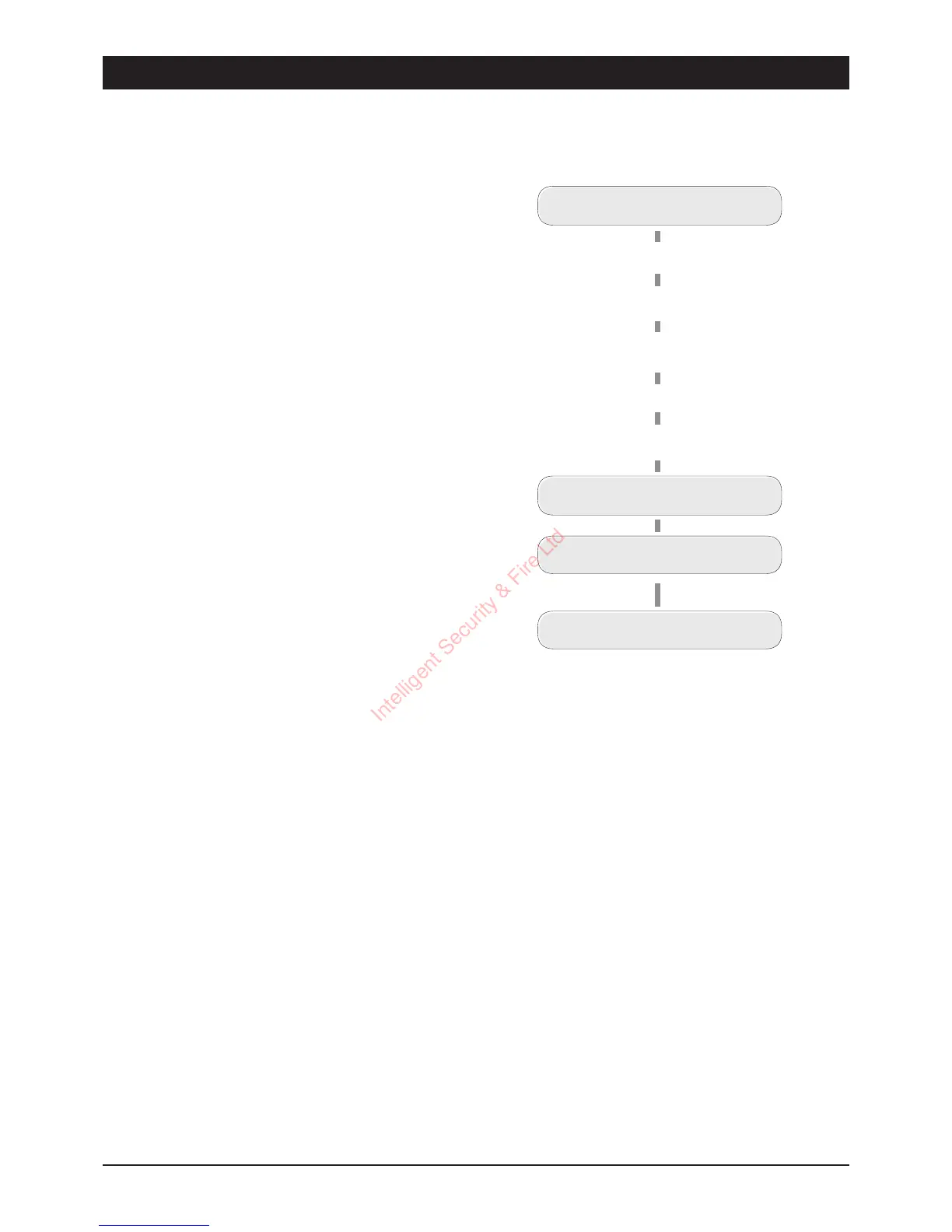
Replaying Messages
Once the phrases have been recorded it is possible
to play them back through the built-in loudspeaker
within the TSD402.
Call Acknowledgement procedure
Whenthecall isanswered, the messageis played.Atthe endofits messagetheTSD402 sendsan
audible`beep'whichmustbeansweredwithin2secondsusingthetonegeneratedbypressingthe
[8] button on a touch-tone telephone. On hearing the [8] tone the TSD402 immediately sends a
second `beep' which must be answered in the same way. If successful, a multi-tone confirmation
signalisthenheard,ifnotthenthemessageisrepeatedwiththeacknowledgement`beeps'again.
Points To Note:
1 The TSD402 will not acknowledge signals from Pulse Dialli ng telephones or those with
short dur ation tones.Check allrecipients phonesby calling them and getting them to press
their [8] button. If a series of clicks is heard ( or the tone cannot be sustaine d by hold ing
down the button) then a Tone Dialling Simulator will be needed to successfully
ackn owledge the TSD40 2 messages (Contact your installation company for details).
2 Noharm isdone by not acknowledgingthemessage as the unit simply repeats itfour times
and the n aborts the call. The unit will then dial the next telephone number.
3 Theprocedureisfairlyquickands houldbepractisedbyallrecipientsundertestcondit ions.
The [8] button must be pressed within 2 seconds of each `beep' and should be held down
for be tween to 1 seconds. If either tone is not `seen' by the TSD402 t he message is
repeated again.
19
TSD402 User Manual User Options
Replaying Messages
READY
Press
7
for Fire message
Press
8
for PA message
P ress
9
for Alarm
mess age
READY
(e.g., press
9
)
PLAYING PHRASE 0
PLAYING PHRASE A
After a short delay
Intelligent Security & Fire Ltd



 To Next Page