Page 44 – Operator's manual
Menzi Muck A111E
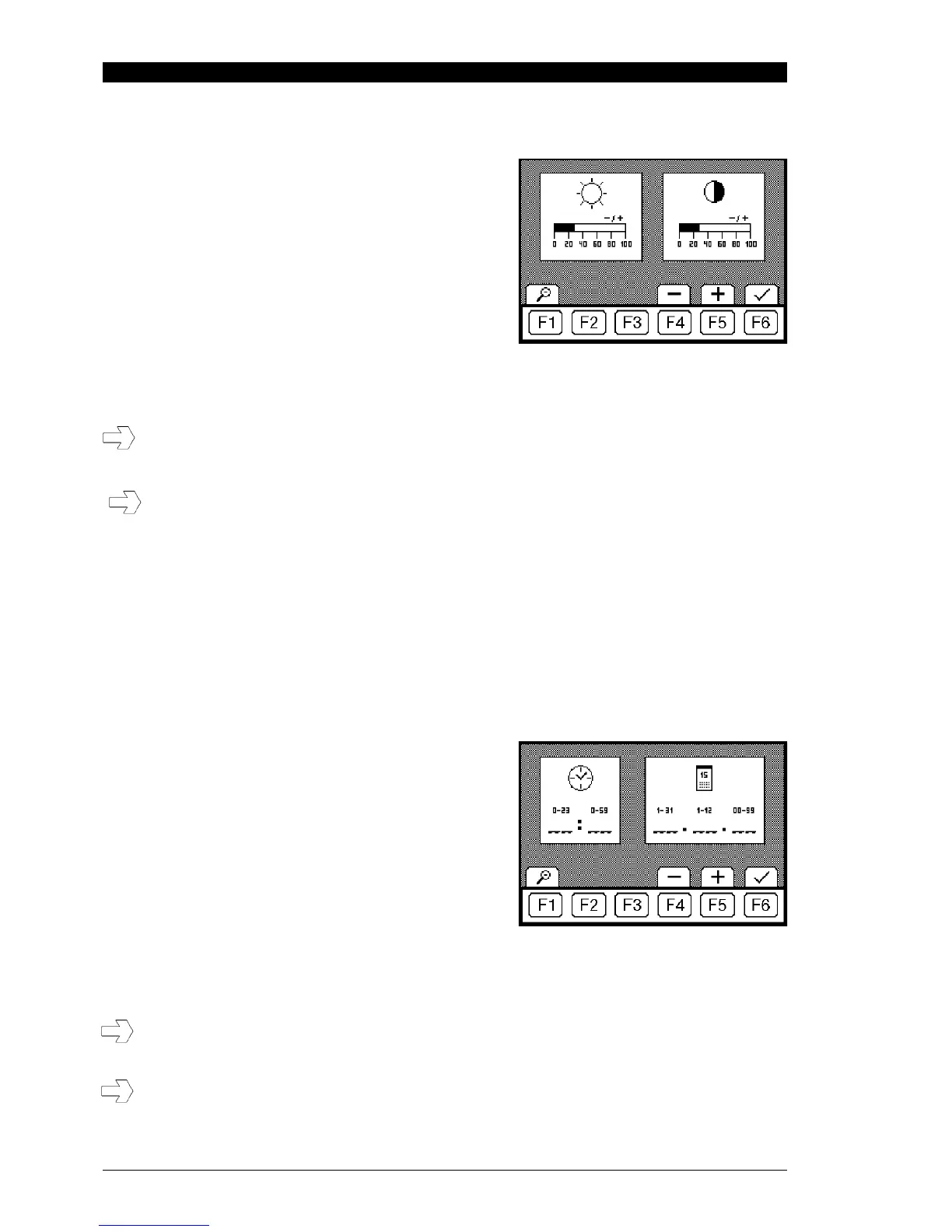
5.2.11 Brightness / contrast
This menu is reached by pressing the F4 key in the main
menu.
1 Adjusting the display brightness: F4 reduces and
F5 increases the brightness level. The contrast setting
screen is reached by F6 in the main menu.
2. Adjusting the display contrast: F4 reduces and F5
increases the contrast level. The brightness setting can
be reached F6.
The main menu can be reached again by pressing the F1 key.
If the contrast and brightness are adjusted so extremely that the display is no longer visible,
restore the default settings by turning the engine off, then on again (after turning the ignition key
back from „off,“ wait approx. 15 seconds).
Holding down the F4 or F5 key adjusts the contrast or brightness more quickly than pressing the
key repeatedly.
5.2.12 Date and time
This menu is reached by pressing the F5 key in the main menu or detail menu.
1. Setting the clock
F4 sets the hour back
F5 sets advances the hour
F6 minute setting
F4 sets the minute display back
F5 advances the minutes
The date setting is reached by pressing the F6 key.
2. Setting the date
F4 sets the day back.
F5 advances the day.
F6 month setting
F4 sets the month back.
F5 advances the month.
F6 year setting
F4 sets the year back.
F5 advances the year.
The clock setting can be reached again by pressing the F6 key in the main menu. The main menu or
detail menu can be reached again by pressing the F1 key.
If the battery is removed or the main switch switched off, the clock and date stand still.
Afterwards, the date and time must be corrected. Holding down the F4 or F5 key adjusts the date
or time more quickly than pressing the key repeatedly.



 To Next Page