23
Chapter 6
Manage Your Mobile Wi-Fi
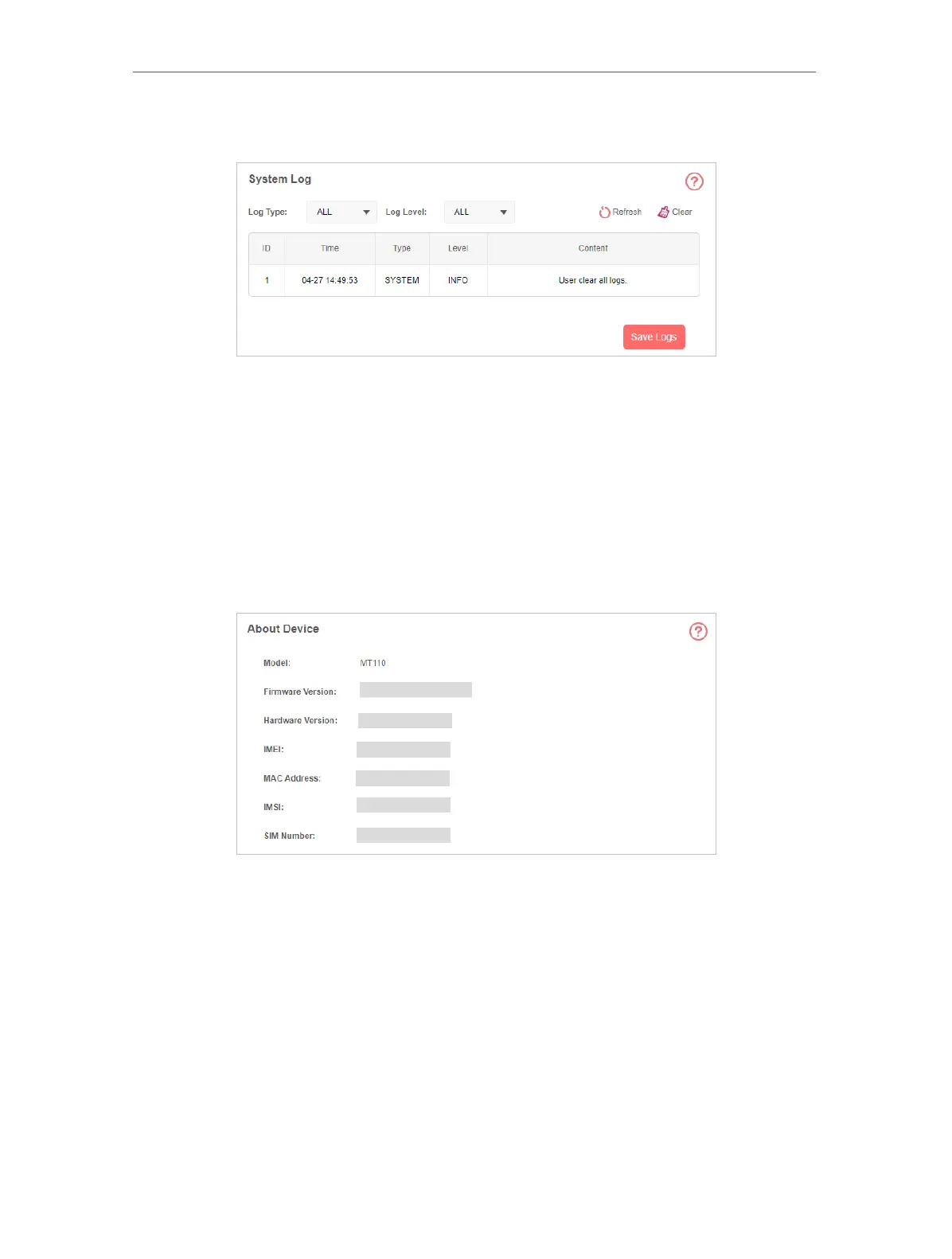
2. Go to Advanced > Device > System Log.
3. Check the system logs. You can click Save Log to save the logs to your computer.
6. 12. Check the Device Information
You can check more information about the device, such as firmware version, IMEI, MAC
address, and more.
1. Visit http://mwlogin.net and log in with the password you created.
2. Go to Advanced > Device > About Device.



 To Next Page