36
*3-Button Remotes
If provided with your
garage door opener,
the large button is
factory programmed to
operate it. Additional
buttons on any
Security✚
®
3-button
remote or mini-remote
can be programmed to operate other Security✚
®
garage door openers.
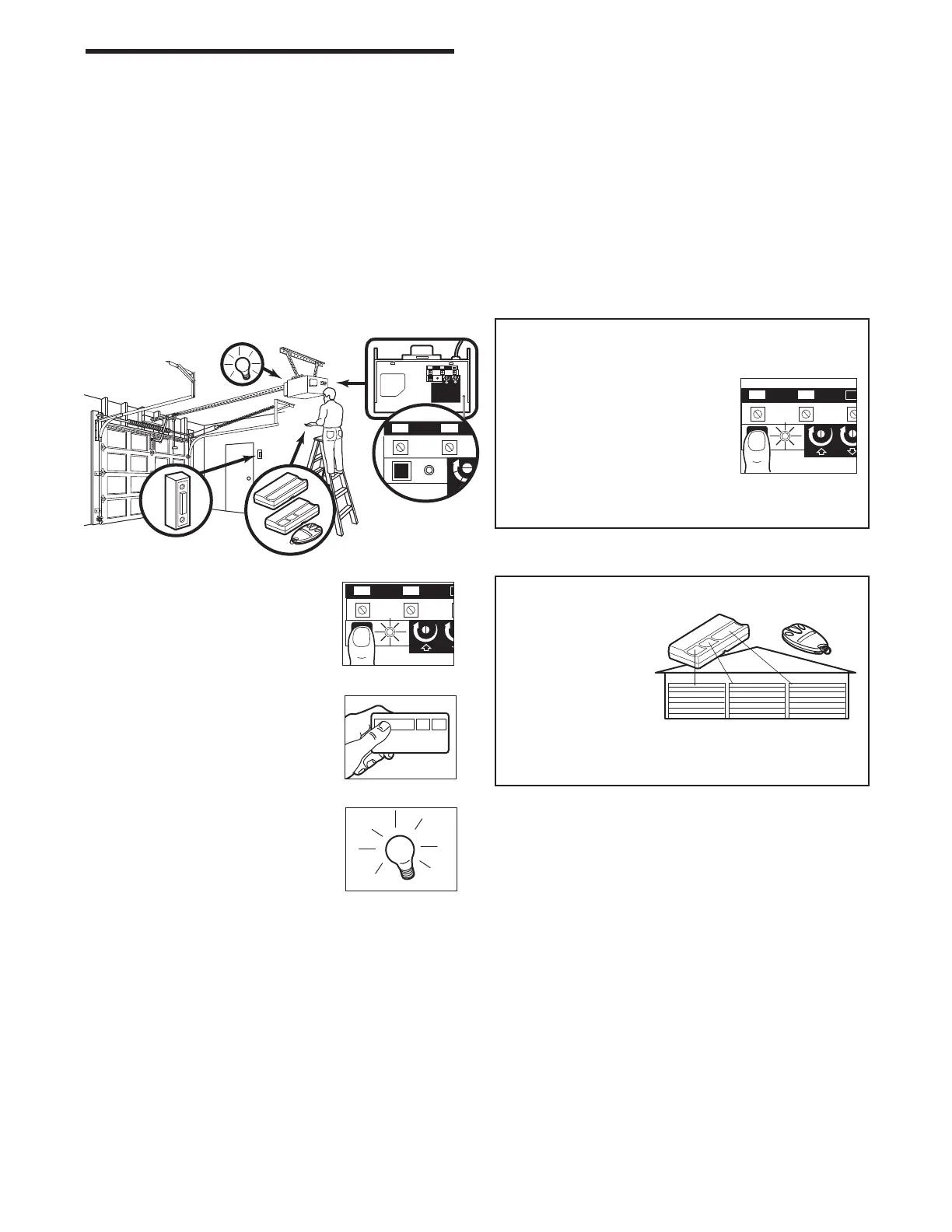
To Erase All Codes From Motor
Unit Memory
To deactivate any unwanted
remote, first erase all codes:
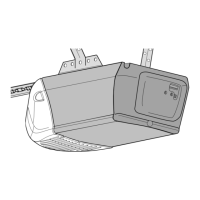
Press and hold the “learn” button
on motor unit until the learn
indicator light goes out
(approximately 6 seconds). All
previous codes are now erased. Reprogram each
remote or keyless entry you wish to use.
To Add or Reprogram an Additional Hand-held Remote Control
USING THE “LEARN” BUTTON
1. Press and release the “learn”
button on the motor unit. The
learn indicator light will glow
steadily for 30 seconds.
2. Within 30 seconds, press and
hold the button on the hand-held
remote* that you wish to operate
your garage door.
3. Release the button when the
motor unit lights blink. It has
learned the code. If light bulbs are
not installed, two clicks will be
heard.
PROGRAMMING
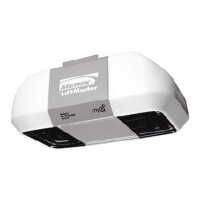
Your garage door opener has already been programmed at the factory to operate with your hand-held remote
control. The door will open and close when you press the large push button.
Below are instructions for programming your opener to operate with additional Security✚
®
remote controls.
NOTICE: If this Security
✚
®
garage door opener is operated with a non-rolling code transmitter, the technical
measure in the receiver of the garage door opener, which provides security against code-theft devices, will be
circumvented. The owner of the copyright in the garage door opener does not authorize the purchaser or
supplier of the non-rolling code transmitter to circumvent that technical measure.
2
1
KG
KG
KG
1
3
9
7
5
1
3
9
7
5
1
2
3
1
2
2
1
KG
KG


 To Next Page