METEK Micro Rain Radar MRR-2 Page 19
2012-02-29 Valid for MRR Service Version 6.0.0.3 / Firmware 6.00
6 Control Program
If you use your own PC for controlling the MRR-2 the MRR program is
delivered on a CD-ROM and must be installed according chapter 6.1.
If the PC was configured and delivered by METEK (optional) chapter 6.1 may
be skipped.
6.1 Installation
The software can be installed on a PC with Windows® 2000 or Windows® XP
(Windows® Vista and Windows® 7 are supported with some limitations).
For installing the Control Program:
Insert the CD-ROM.
Login as administrator.
Open the program group my computer (icon on the desktop).
Open the folder for the CD-ROM device.
Change to the folder METEK.
Start the program MRRSetup␣V6002.exe
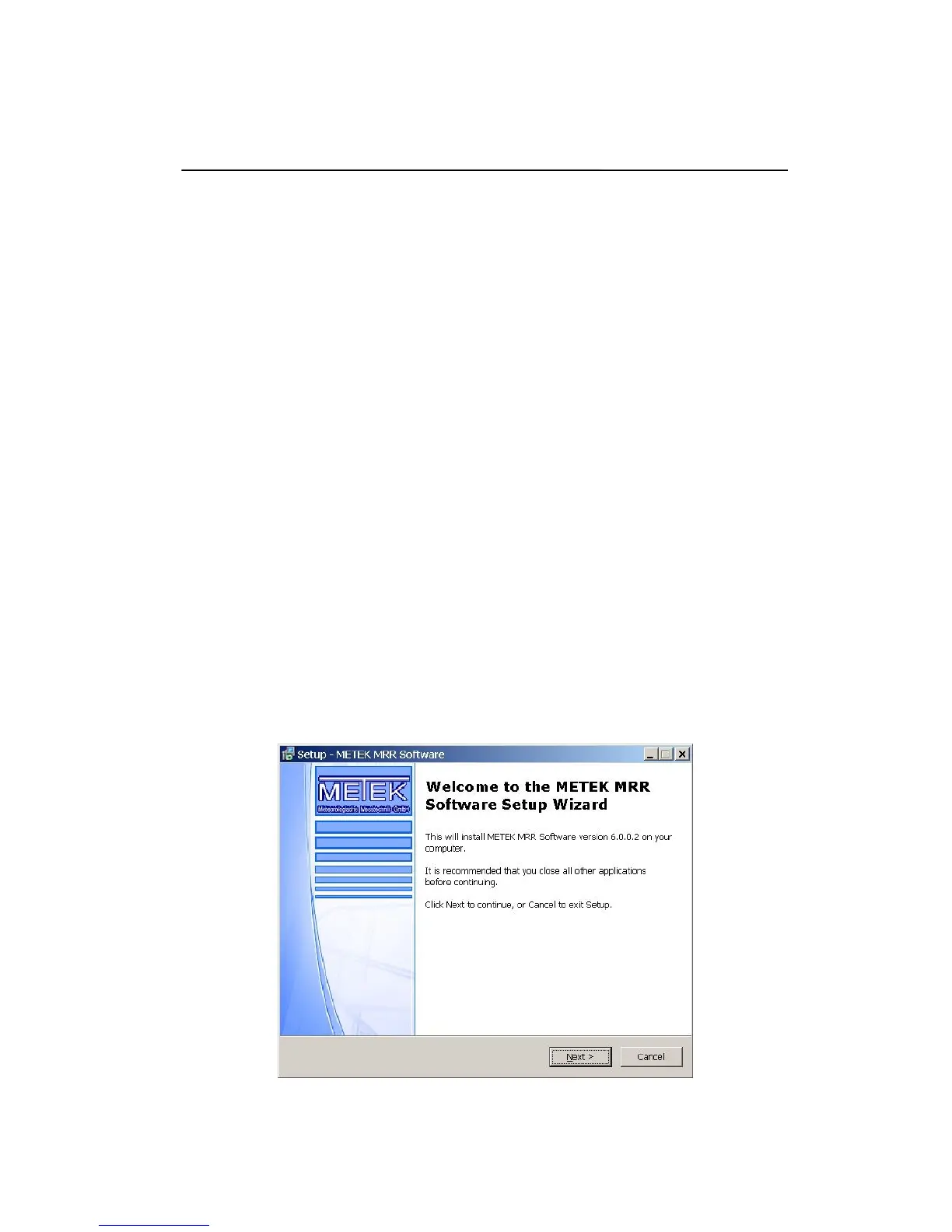
The setup program will start with the welcome screen; click the next button to
proceed with the installation. The next screen is the destination folder
selection (default: C:\Program Files\METEK Software\MRR), normally no
changes are needed, please
Figure 11: Welcome Screen


 To Next Page