Page 22 Micro Rain Radar MRR-2 METEK
2012-02-29 Valid for MRR Service Version 6.0.0.3 / Firmware 6.00
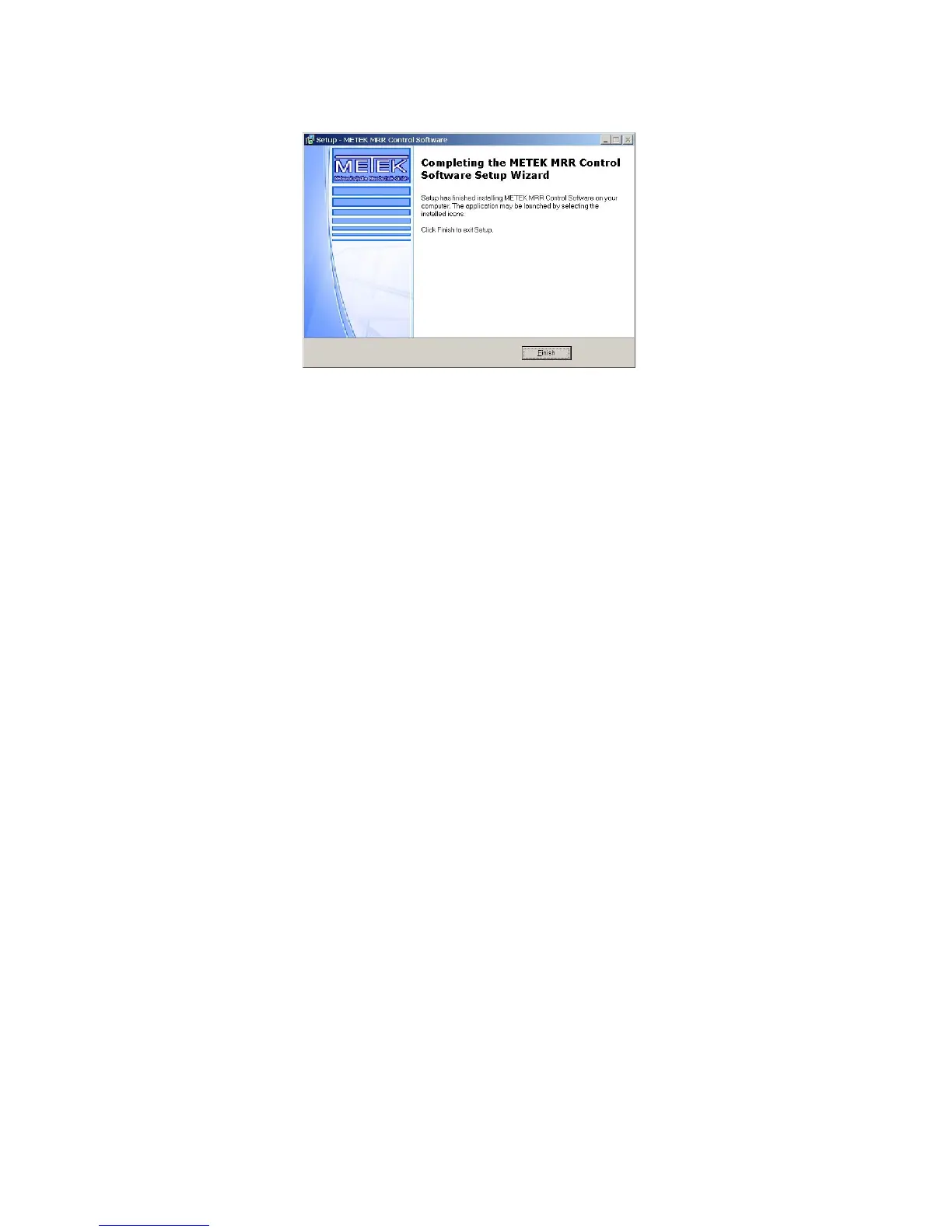
Figure 17: Finish
Note: The data flow rate from the MRR to the PC requires that the PC
response time does not exceed certain limits. If the PC was configured and
delivered by METEK (optional), meeting of this request is warranted.
Any modern PC with medium performance is basically sufficient to run the
MRR Control Program if there are not too many other tasks running
simultaneously. Particularly virus scanning programs may slow down the PC
below the minimum possible value. In that case the data records are
corrupted.
Please check the integrity of recorded data by visual inspection and reduce
the processor load if necessary.
6.2 Limitations using Windows 7
The MRR control program was originally designed for Windows 2000.
If you use the program with Windows 7 there are some limitations:
During start of the MRR-Service the service tests if the selected serial
port is available and not opened from another application, for your
information a message box is displayed if the selected serial port
Windows 7 message box.
All messages from the MRR Service in the event log
show the text
The help function will only work if you install the Microsoft KB917607
update.
The basic cause of these singularities is an old compiler version which is
not fully compatible with Windows 7.


 To Next Page