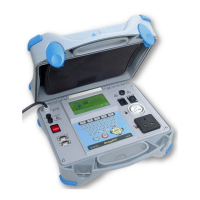
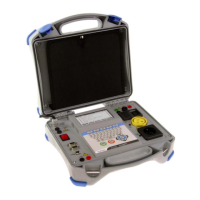
MI 2087 AL2 EasiTEST Measurement instructions
21
How to carry out the measurement?
Step 1
q Connect test cable (Universal test cable) to EasiTest.
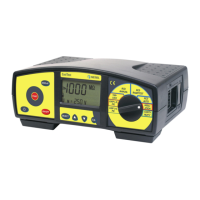
q Set function switch to RCD MANUAL position, Trip-out time initial menu will
be displayed; see the figure below.
Fig. 13: Trip-out time initial menu
Step 2
Select nominal differential current I∆N as follows:
q Press the SELECT key, last set nominal differential current starts to blink.
q Select appropriate value using the ▲ and ▼ keys. The following values are
available: 10mA, 30mA, 100mA, 300mA, 500mA or 1000mA. The value ×5 is
not available, if nominal current I∆N=1000mA.
Step 3
Select Multiplier of nominal differential current as follows:
q Press the SELECT key after setting nominal differential current, last set
multiplier starts to blink.
q Select appropriate value by using the ▲ and ▼ keys. The following values are
available to be selected: ×1/2, ×1, ×2, ×5. The value ×5 is not available, if
nominal current I∆N=1000mA.
Step 4
Select type of tested RCD as follows:
q Press the SELECT key after setting the multiplier, last set type starts to blink.
q Select appropriate type using the ▲ and ▼ keys. Standard (general) type (G is
displayed) or selective type (S is displayed) can be selected.
q Press the SELECT key again after setting type of RCD to return to Trip-out
time initial menu.
G.........Standard (General) type of
RCD is selected. S is
displayed, if Selective
type is selected.
∼ .........Start polarity of test
current.
×1........
Selected multiplier of nominal

 To Next Page
 Loading...