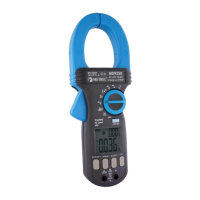
MD 9273 Leakage Clamp MD 9273 as an Adapter of Master Instrument
30
Appendix A MD 9273 as an Adapter of Master
Instrument
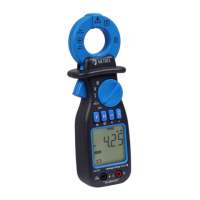
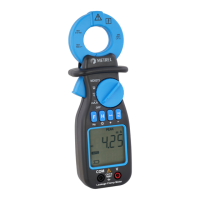
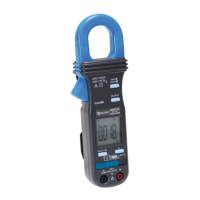
MD 9273 can be used as an adapter connected via Bluetooth
®
communication with Metrel Master Instrument
in manner to expand it Power quality test ability. Supported test measurements and signal recordings are:
• P- Power Test
• U – Voltage test
• I – Current Test
• Imax – Inrush Test
• h
n
– Voltage Harmonics
• h
n
– Current Harmonics
• E – Events
• LOG – U, I, P, E Logger
Required Test is selected from Master Instrument. MD 9273 acquires test signals, processes measurements
and sends results to the Master Instrument. For Specifications refer to MD 9273 Manual, Technical
specifications section.
Master Instrument presents Test results on the screen. After test is finished, results can be saved to the
Workspace memory for later use, as described in Master Instrument Manual.
A.1 Establishing Bluetooth
®
Communication
MD 9273 must be paired with Master Instrument, when used as an adapter. Pairing procedure is executed
from Master Instrument.
Procedure:
1. MD 9273: switch it ON and select BT mode with Rotary Function switch.
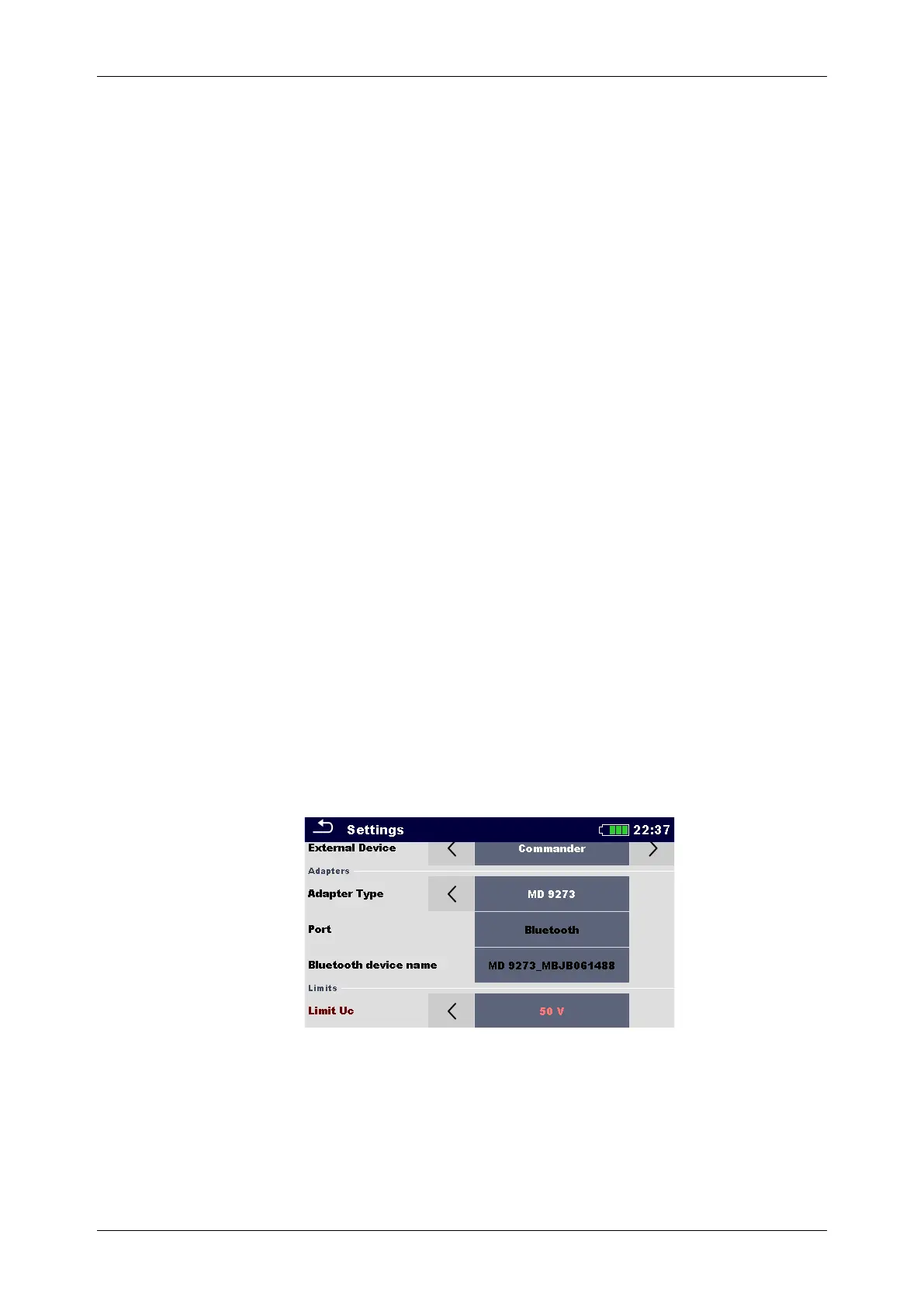
2. Master Instrument: Open General Settings / Settings menu and navigate to the Adapters section
menu, see Figure A.1: Adapters setting menu.
Figure A.1: Adapters setting menu
3. Adapter type: select MD9273 by using left / right arrows or tap on the field and select it from the list
of adapters
4. Port: Bluetooth is automatically offered.
5. Bluetooth device name: select field and instrument start searching for Bluetooth devices; when
finished, list of available devices is presented on the screen











 To Next Page