■■■■■■■■■■■■■■■■■■■■■■
6 Maintenance
■■■■■■■■
29
4
Cleaning the filter
■ Blow out the dirty filter with a compressed air duster spray.
■ Alternative: Rinse the dirty filter with clean water and allow to dry.
5
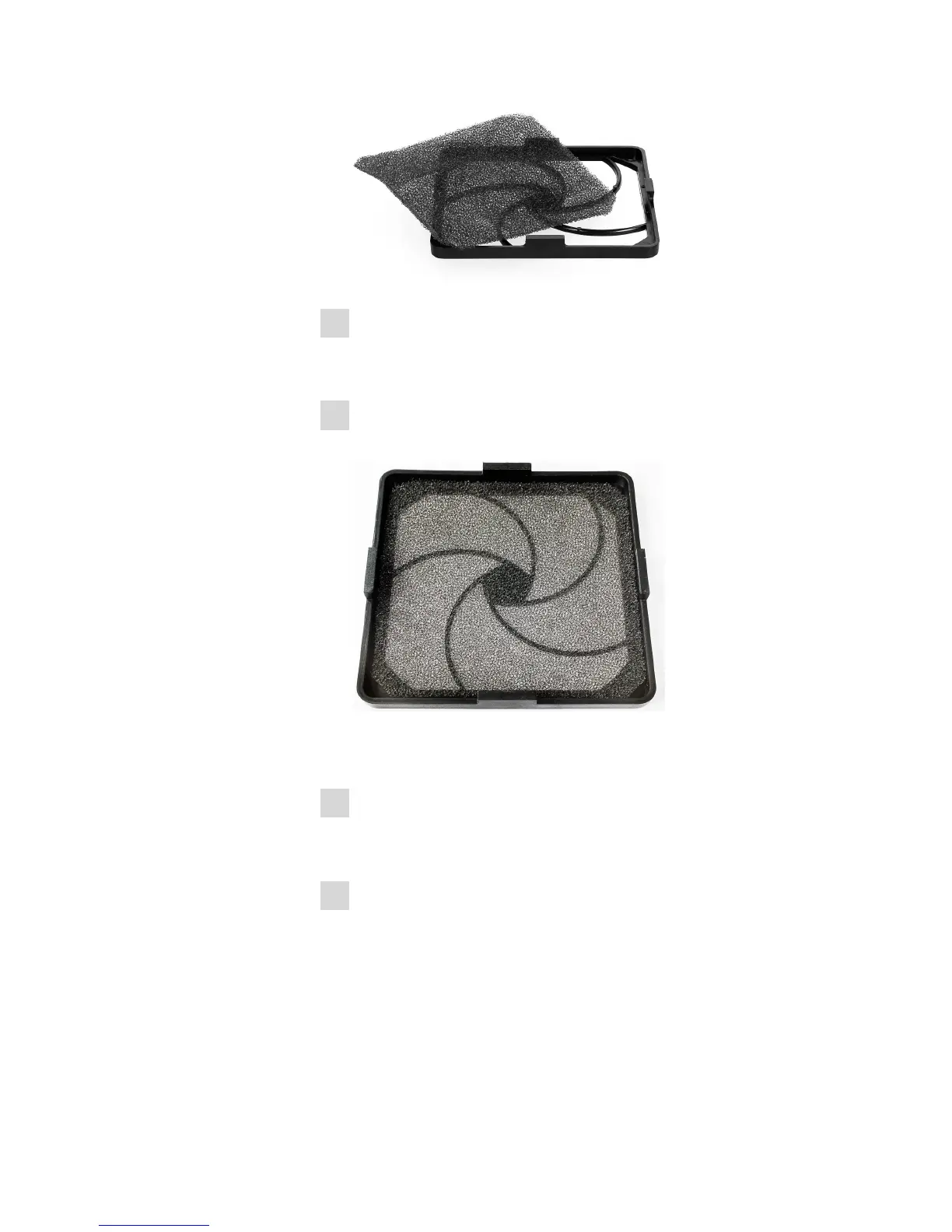
Mounting the filter
Place the new or cleaned filter symmetrically into the filter cover.
The filter must not be wrinkled or folded. The edges must form a
good seal.
6
Mounting the filter cover
Mount the filter cover to the frame starting on the bottom and push
it in place until all latches snap in.
7
Switching on the instrument
Turn the on/off switch (2-1) to the position I.



 To Next Page
 Loading...






