MFJ-269C Instruction Manual LF/HF/VHF/UHF SWR Analyzer
7
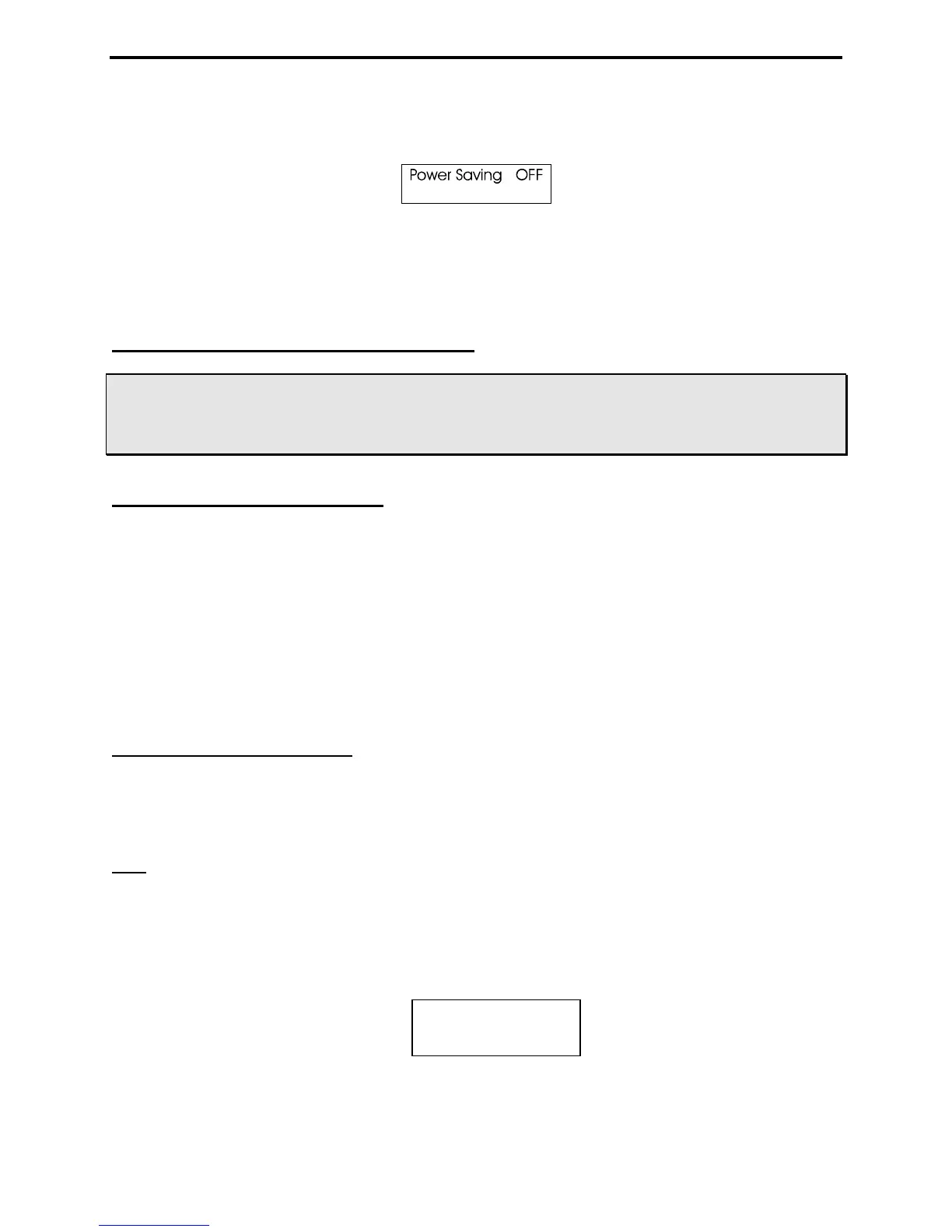
“Power Saving” mode has been is successfully disabled, the message shown below will appear as soon as
Mode is released.
Sleep Mode is a default function and will reset automatically each time the analyzer is turned OFF. To
restore Sleep, simply turn the analyzer Off and then On again.
3.0 MAIN MENU AND DISPLAY
WARNING: NEVER APPLY RF OR ANY OTHER EXTERNAL VOLTAGE TO THE ANTENNA PORT.
THE MFJ-269C USES ZERO BIAS DETECTOR DIODES THAT MAY BE DAMAGED BY
EXTERNAL VOLTAGES. ALSO, READ SECTION 2.0 BEFORE APPLYING POWER.
INCORRECT SUPPLY VOLTAGE OR REVERSED POLARITY CAN CAUSE DAMAGE.
3.1 General Connections
The N-female Antenna connector on top of the unit is the primary RF-measurement connection. It is
used for all functions except frequency counter measurements.
The Power connector (2.1 mm) is described in section 2.0. Please read the power-source section carefully
before attempting to operate the analyzer! Improper voltage application, the wrong battery charger
setting, or reversed polarity could permanently damage your unit.
The BNC Frequency Counter Input is for frequency counter measurements only. See section 4.5 for the
counter's operating instructions.
3.2 Power-up Display
Important Note: Before powering up the analyzer, check the status of the UHF switch located above the
LCD window on the left. This switch must be in the "up" or in the Off position unless UHF operation is
intended.
Note: The following is a description of the basic opening (or default) menu used by the MFJ-269C. Your
analyzer also has an advanced user section (5.0).
When applying Power, a sequence of message screens appear on the LCD display. The first screen lists
the software version (Ver): Be sure to have this number handy when referring technical questions about
your analyzer to MFJ Customer Service:
The second message shows the software copyright date:
MFJ-269C
Ver 14.14



 To Next Page