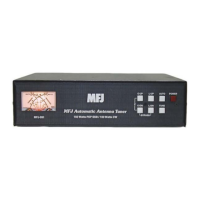
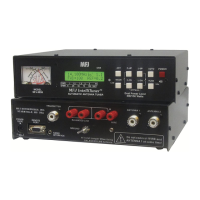
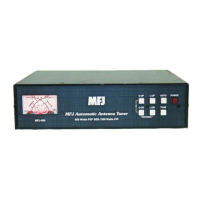
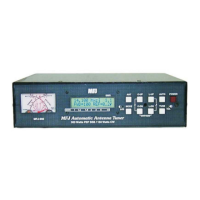
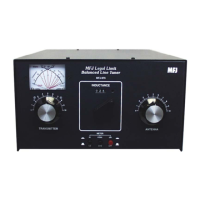
MFJ-998 Legal Limit IntelliTuner Automatic Antenna Tuner Instruction Manual
© 2007-2010 MFJ Enterprises, Inc.
8
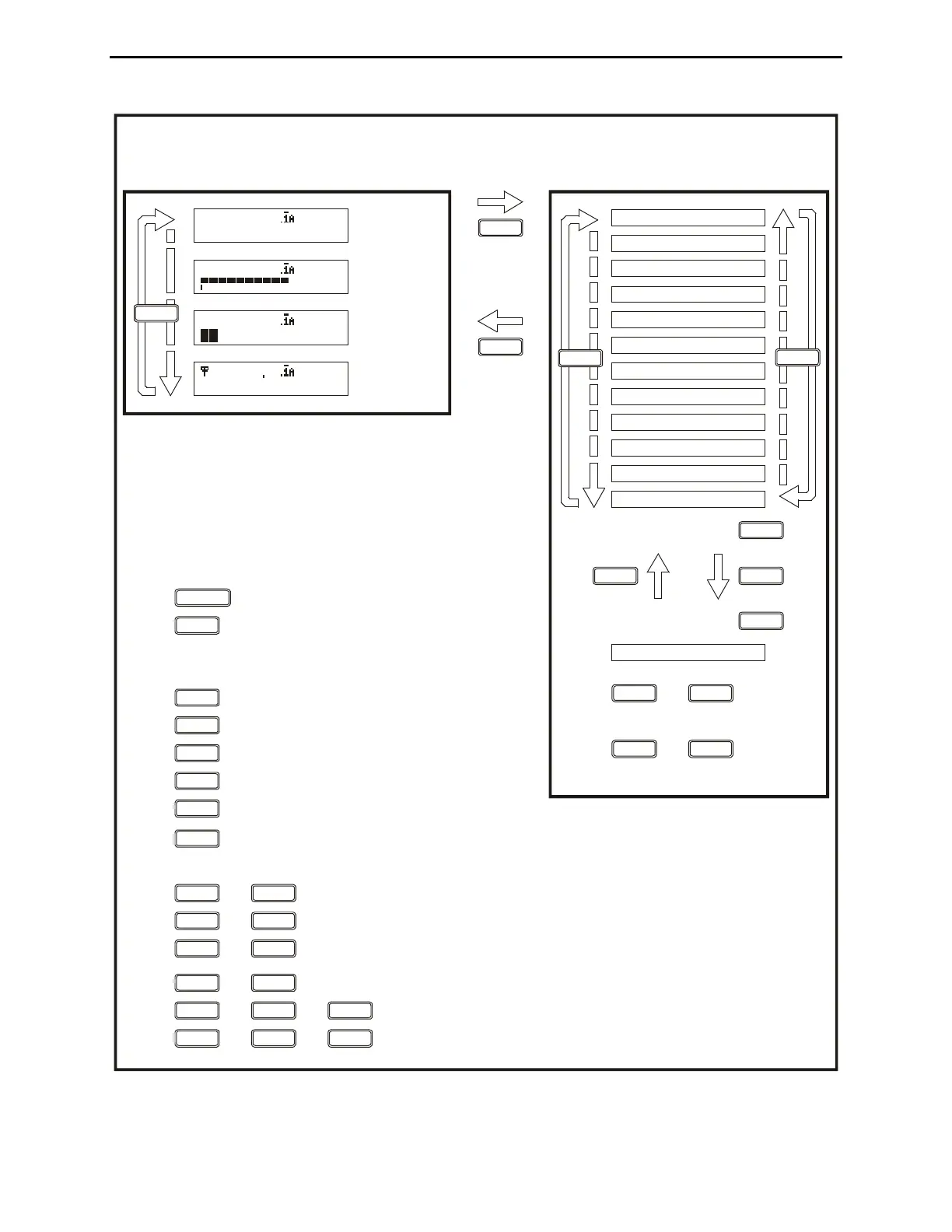
MODE BUTTON FLOW CHART
SETUP MODES
For 2 sec.
MODE
For 2 sec.
or
Idle for 8 sec.
MODE
Press + to toggle between automatic and semi-automatic mode.
BUTTON ACTION
C-DN L-DN
C-UP C-DN
Press + to switch the capacitor between the input and output side.
Press + to bypass the antenna tuner.
Press + to increase both capacitance and inductance.
C-UP L-UP
MODE
ANT
C-UP
L-UP
C-DN
L-DN
TUNE
POWER
Press less than 0.5 second to toggle bypass mode; press and hold for 0.5 to 2 seconds to start the
tuning process; press and hold for more than two seconds to toggle the StickyTune on and off.
Press to decrease inductance.
Press to increase inductance.
Press to decrease capacitance.
Press to increase capacitance.
Press to switch main modes and setup modes.
Press less than one second to toggle between antenna 1
and antenna 2; press and hold for more than one
second to cycle the 4 antenna memory banks.
Press in to turn power on, out to turn power off.
Press or to turn on
or increase setting.
-UP L-UP
-DN L-DN
Press or to turn off
or decrease setting.
(while in the main modes)
Press + to overwrite tuner memory with the current tuner setting.+
TUNE L-DNC-DN
TUNE ANT
MAIN MODES
Digital
Wattmeter
Power
Bar Meter
SWR
Bar Meter
L-Network
MODE
14.100MHz 1.1
FWD=1000 REF=5.0
14.100MHz 1.1
1000
0.00uH 1,0
0pF 1500
14.100MHz 1.1
1000
TARGET SWR
UTO TUNE SWR
AMP BYPASS SWR
METER RANGE
MEMORY
IntelliTune
SWR BEEP
BEEP
ADIO INTERFACE
USH TUNE <0.5s
LC LIMIT
PEAK HOLD
REFRESH
MODE
MODE
+
+
C-UP
L-UP
MODE
ANT
Press + to manually toggle the amp relay enable.+
L-DNMODE L-UP
Figure 3. Mode Button Flow Chart and Button Action.



 To Next Page