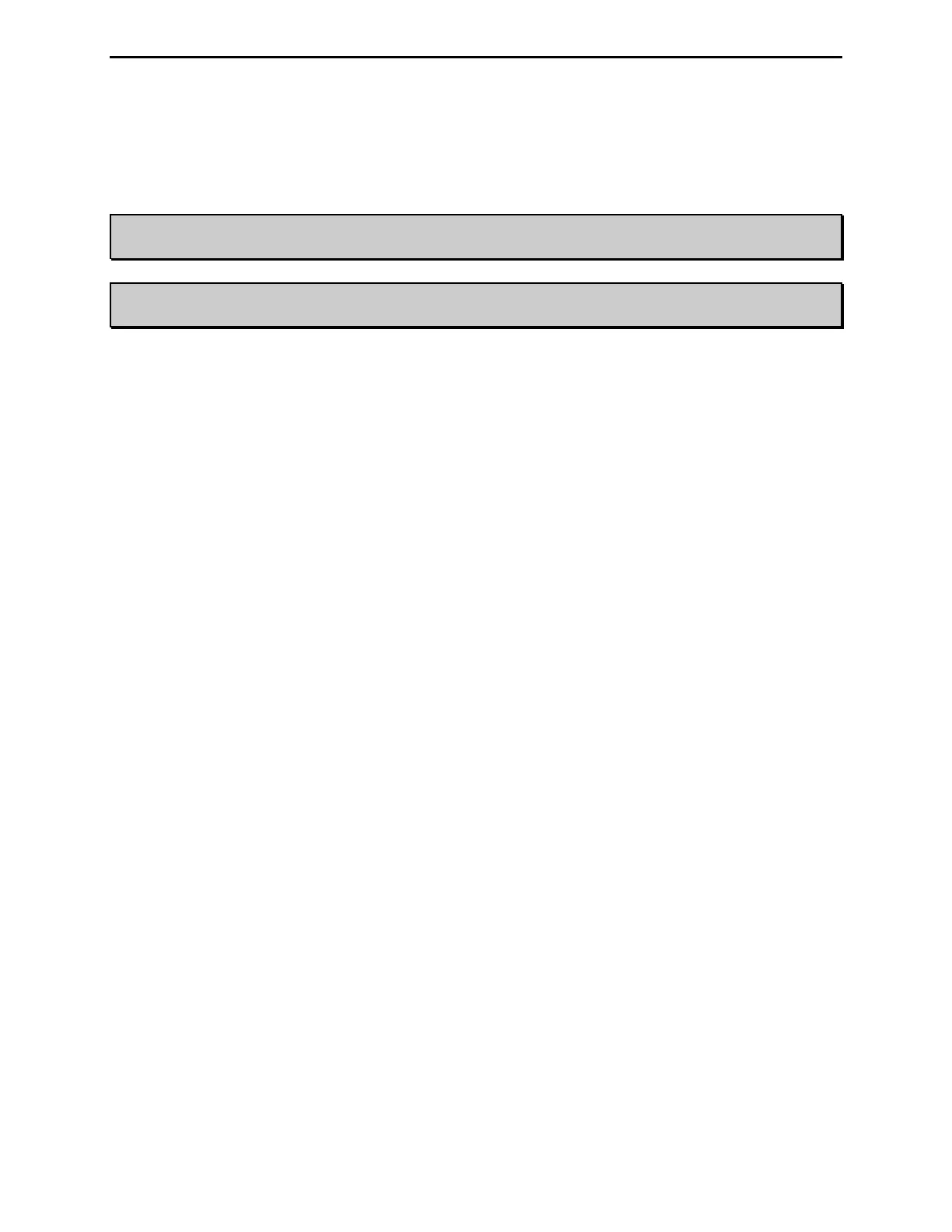
MFJ-998 Legal Limit IntelliTuner Automatic Antenna Tuner Instruction Manual
© 2007-2010 MFJ Enterprises, Inc.
31
Frequency Counter Calibration
To calibrate the frequency counter, you will need a transmitter, a 50-ohm dummy load, two 50-ohm SO-
239 coax cables, a Phillips screwdriver, and a tuning tool or small flat blade screwdriver.
WARNING: Do not touch anything inside the tuner during operation! Serious, painful RF
burns can result.
WARNING: Never operate the MFJ-998 with its cover removed; dangerous voltages and
currents can be present during operation. Never exceed tuner specifications.
1. Turn off the power to the transmitter and the tuner.
2. Remove the cover from the tuner (12 screws) with a Phillips screwdriver.
3. Connect the 50-ohm dummy load to the ANTENNA 1 connector; connect the transmitter to the
TRANSMITTER connector on the tuner.
4. Turn on the power to the transmitter. Set and lock the frequency to exactly 29.000 MHz.
5. Press and hold both the [C-DN] and [L-DN] buttons while turning the tuner power on. Both meter
needles will go to full scale and a message
CAL FREQ 29.000 will display.
6. Key the transmitter to output about 10 watts. Adjust trimmer capacitor VC2 (located next to the big
integrated circuit) until the tuner displays a frequency of
29.000MHz and the meter needles settle at
the 0-watt marks. Notice the meter movement is exaggerated for easier calibration. Nominal
tolerance of the frequency counter is ±1 kHz.
7. Turn off the power to the transmitter and the tuner.
8. Secure the cover back onto the tuner.



 To Next Page