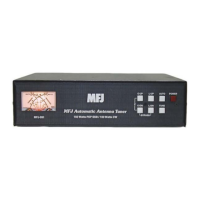
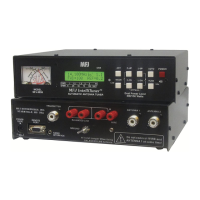
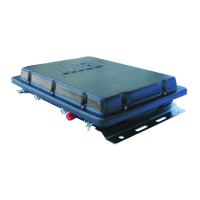
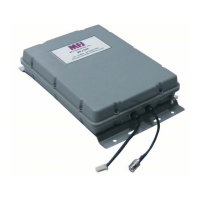
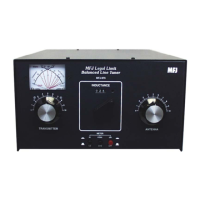
MFJ-998 Legal Limit IntelliTuner Automatic Antenna Tuner Instruction Manual
© 2007-2010 MFJ Enterprises, Inc.
39
Yaesu Radio Interface/MFJ-5114Y3
The MFJ-5114Y3 radio interface allows users of Yaesu FT-1000MP series, FT-2000 series, and FT
DX-
9000 series transceivers to connect to the MFJ-998 IntelliTuner™ Automatic Antenna Tuner. With this
interface, control signals are connected between the radio and the tuner. With this cable the operator can
control the tuner and radio with a single push of the [TUNE] button on the front panel of the MFJ-998.
Connections for FT-1000MP series of radios
1. Select YAESU MP/2K/9K in the tuner’s Radio Interface setup menu. Turn the tuner off.
2. Before connecting the MFJ-5114Y3 to your radio, set the maximum TUNE power of the radio as
follows:
a. On your transceiver, enter the Menu mode by pressing and holding the [FAST] key and then
pressing [ENT].
b. Rotate the [MEM/VFO CH] knob until you see menu 4-3 on the transceiver’s CH display.
c. Rotate the [MAIN VFO] knob to select 50 for 100-watt radios (FT-1000MP/MP Field) or 75
for the FT-1000MP MKV when an amplifier will be used. This gives the best SWR
accuracy, which may be important for solid-state amplifiers. When an amplifier is not used,
the setting can be set at 10 for all transceivers.
d. Press [ENT] to exit the Menu mode.
3. Insert the 8-pin modular plug into the MFJ-998 RADIO INTERFACE jack.
4. Connect the 3.5-mm mono plug on the MFJ-5114Y3 to the REMOTE jack on the rear panel of
the transceiver.
5. Connect a 12V 1.5 amp DC source to the MFJ-998.
6. Push the [POWER] button on the MFJ-998 to the in position. The radio may be powered on
either before or after the tuner is powered on.
Operation for FT-1000MP series of radios
The transceiver is controlled by the MFJ-998. To operate:
1. Press the [TUNE] button on the MFJ-998 for ½-2 seconds to initiate the tuning process. The
radio will automatically transmit a low-power carrier and start the tuning process. When tuning is
completed, the radio will stop transmitting and you will be ready for operation on this frequency.
Connections for FT-2000 series of radios
1. Select YAESU MP/2K/9K in the tuner’s Radio Interface setup menu. Turn the tuner off.
2. Before connecting the MFJ-5114Y3 to your radio, set the maximum TUNE power of the radio as
follows:
a. On your transceiver, enter the Menu mode by pressing the [MENU] key momentarily.
b. Rotate the Main Tuning Dial knob until you see menu item [145 tGEn TUN PWR] on the
transceiver’s display.
c. Rotate the [SUB VFO-B] knob to select 20 watts for best SWR accuracy. For the FT-2000D,
we recommend that this be set to 50 watts if the user normally operates at 100 watts output



 To Next Page