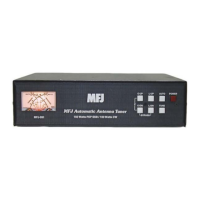
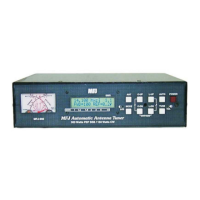
MFJ-998 Legal Limit IntelliTuner Automatic Antenna Tuner Instruction Manual
© 2007-2010 MFJ Enterprises, Inc.
17
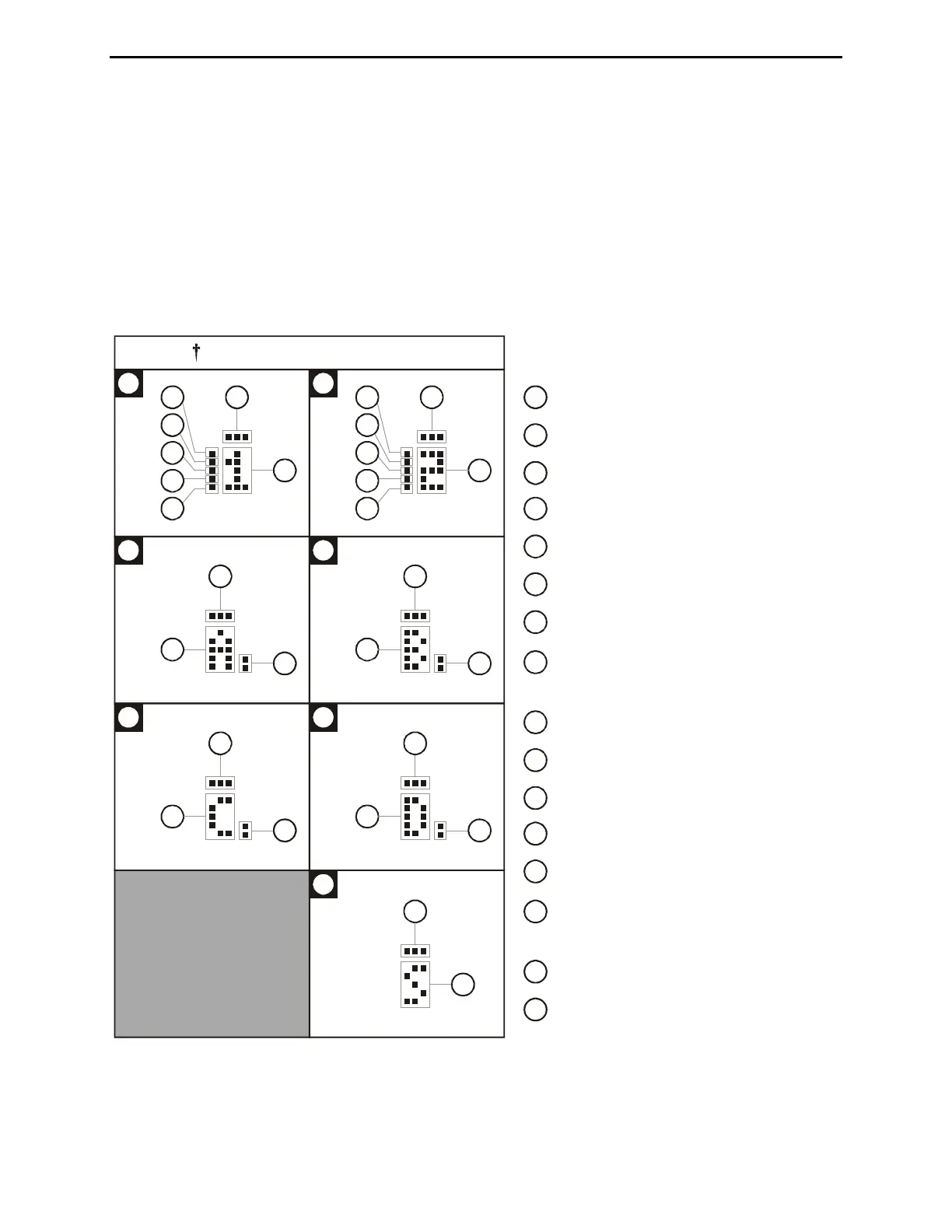
• Memory: A small “A”, “B”, “C” or “D” appears to indicator the selected memory bank when
Memory is ON (23-26); nothing appears when Memory is OFF.
• LC Limit: When LC Limit is OFF, a bar appears on top of the Memory indicator (27).
• Auto Range: When Auto Range is ON, a two-dot vertical bar segment appears on the lower left
corner of the Memory indicator (28).
• Auto/Semi: A small “S” appears to indicate semi-automatic mode (29); nothing appears to indicate
automatic mode.
• StickyTune: When StickyTune
TM
is ON, a bar appears on top of the Auto/Semi indicator (30).
2 2
4
3
3 3
3
Enlarged Views of Indicators
22
15
17
20
21
18
19
16
22
17
20
21
18
19
23
27
28
24
27
28
25
27
28
26
27
28
30
29
ppears when
ntenna 1 is selected
ppears when Antenna 2 is selected
ppears when Alinco/Icom is selected
Appears when Kenwood is selected
Appears when Yaesu is selected
Appears when Yaesu MP is selected
(reserved)
ppears when Amp Relay Enable is OFF
Appears when Memory Bank A is ON
Appears when Memory Bank B is ON
Appears when Memory Bank C is ON
Appears when Memory Bank D is ON
Appears when LC Limit is OFF
Appears when Auto Range is ON
Appears when in Semi-Auto mode
Appears when StickyTune is ON
16
17
18
19
20
21
15
25
22
23
24
26
27
28
29
30
Figure 17. Tuner Indicators.



 To Next Page