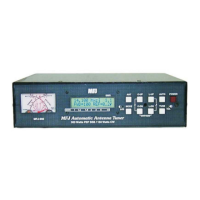
MFJ-998 Legal Limit IntelliTuner Automatic Antenna Tuner Instruction Manual
© 2007-2010 MFJ Enterprises, Inc.
26
Appendices
POWER-ON OPERATIONS
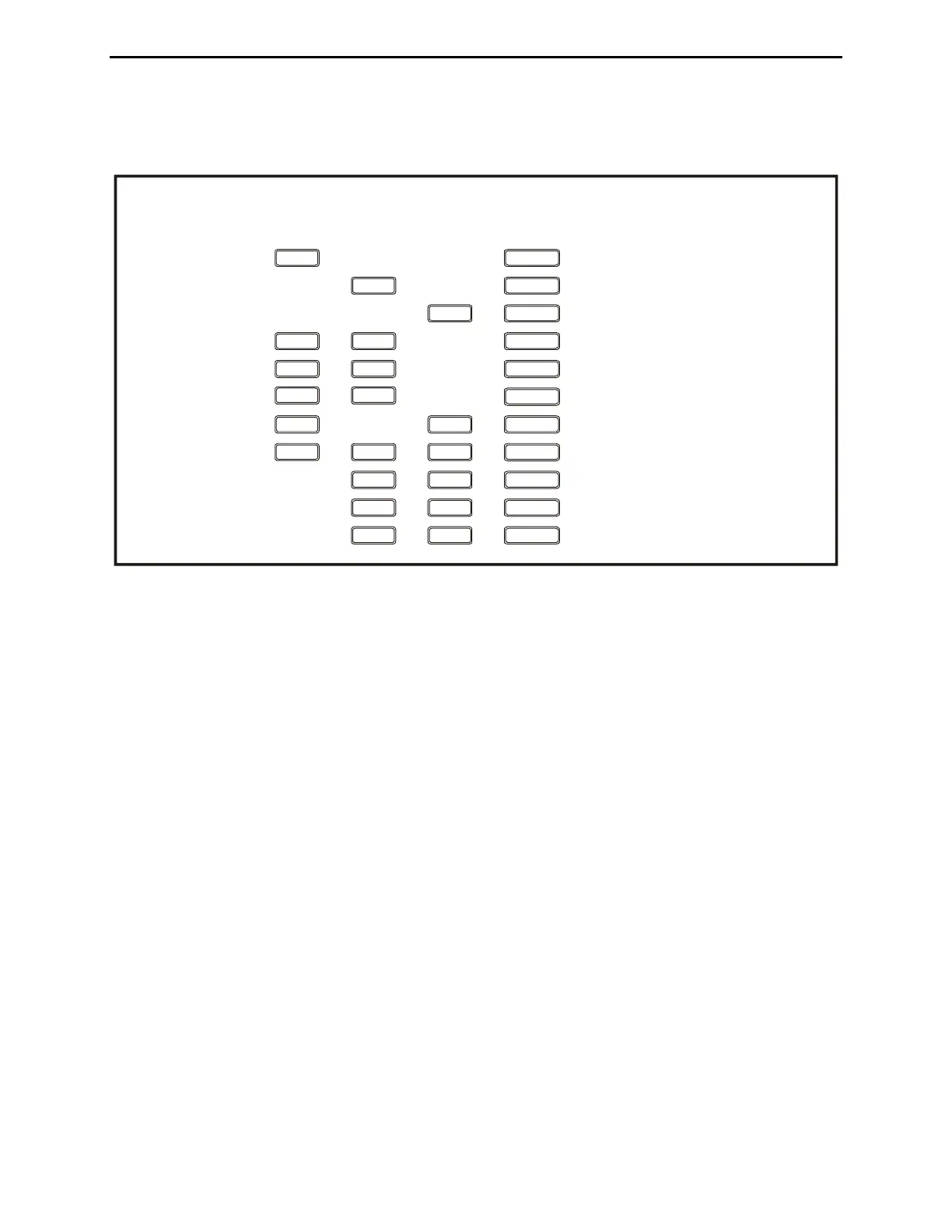
(Press and hold buttons while turning on the power.)
Press and hold + + to calibrate the analog meter.
L-UP
Press and hold + to start the self test.
Press and hold + + to reset factory defaults.
TUNE
Press and hold + + to delete current memory bank.
TUNE C-UP
Press and hold + + to delete current antenna memory.
Press and hold + + + to perform total reset.
TUNE
Press and hold + + to disable the radio interface.
C-DN
Press and hold + to test the relays.
Press and hold + + to calibrate the frequency counter.
L-DN
Press and hold + to test the power-down circuitry.
OWER
OWER
OWER
OWER
OWER
OWER
OWER
OWER
OWER
OWER
L-UPC-UP
MODE
TUNE
ANT
C-UP
C-DN L-DN
L-UP
TUNE
TUNE
C-UP C-DN
OWER
Press and hold + + to calibrate the SWR bridge.
Figure 18. Power-On Operations.
Resetting the Tuner
Each time the tuner is powered off, the microprocessor saves all memories and configurations to non-
volatile memory ready to be used the next time the unit is turned on and transmit power is applied. If the
tuner is not working properly, even on initial power on, try resetting to the factory defaults.
Factory Defaults
The unit is shipped with the following default settings:
• Main Menu Digital Wattmeter
• Setup Menu Target SWR
• Inductance 0 μH
• Capacitance 0 pF
• Antenna 1
• Tuning Mode Automatic †
• Target SWR 1.5 †
• Auto Tune SWR 0.5 above target SWR †
• Amp Bypass SWR 2.0 †
• Meter Range Auto range †
• Peak Hold On †
• Memory Banks 1A and 2A on †
• IntelliTune On †
• SWR Beep Off



 To Next Page