9. Operating
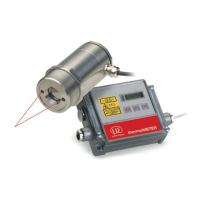
After powering up the supply voltage the sensor starts an initializing routine for some seconds. During this
time the display will show INIT. After this procedure the object temperature is shown in the display. The
display backlight color changes according to the alarm settings, see Chap. 8.5, see Chap. 8.5.2.
9.1 Restoring Factory Setting
To set the thermoMETER CT back to the factory settings, please first press the and then the but-
ton and keep both pressed for approximately 3 seconds.
The display will show RESET for confirmation.
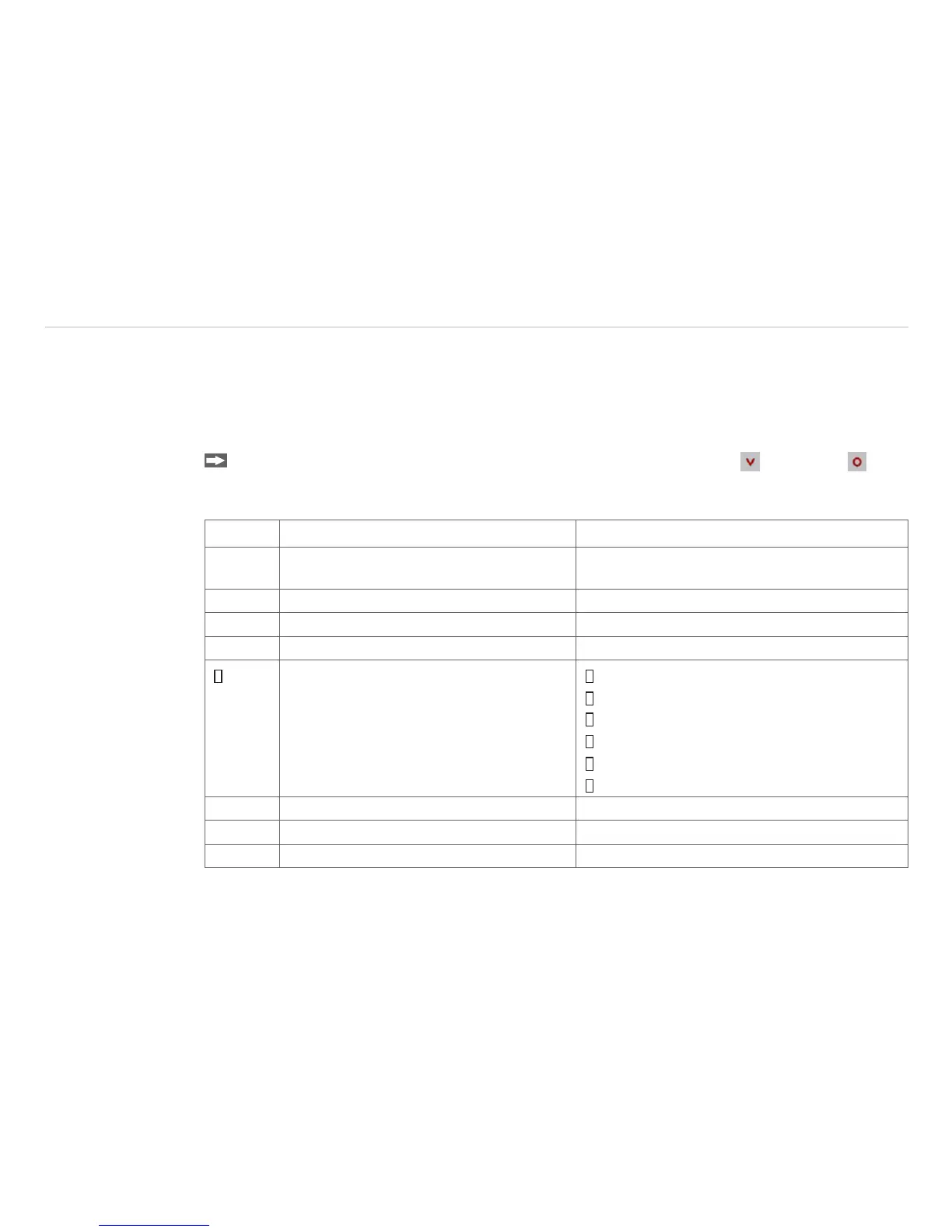
Display Modes [Sample] Adjustment Range
142.3C Object temperature (after signal processing)
[142.3 °C]
Fixed
127CH Sensor temperature [127 °C] Fixed
25CB Box temperature Fixed
142CA Current object temperature Fixed
MV5
Signal output channel 1 [0 - 5 V]
0 - 20 = 0 - 20 mA/
4 - 20 = 4 - 20 mA/
MV5 = 0 - 5 V/
MV10 = 0 - 10 V/
TCJ = Thermocouple type J/
TCK = Thermocouple type K
E0.970 Emissivity [0.970] 0.100 ... 1.100
T1.000 Transmissivity [1.000] 0.100 ... 1.100
A 0.2 Signal Output Average [0.2 s] A---- = inactive/ 0.1 ... 999.9 s


 To Next Page