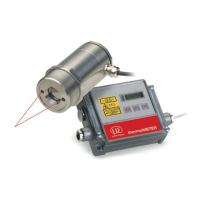
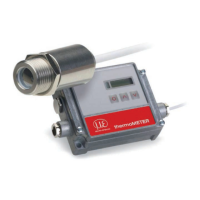
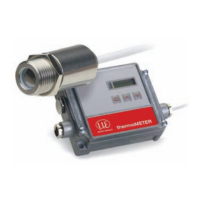
8.2.3.2 Sensor Installation
Each CT unit connected to the RS485 needs a different multidrop address (1 ... 32).
Please adjust the address by pressing the button until M xx appears in the display.
Using the Up and Down keys you can change the shown address (xx) The address can also be changed
with the CompactConnect software. The baud rate setting in the CompactConnect software must be the
same as on the CT unit (factory default: 9.6 kBaud.)
Please install the CompactConnect software, see Chap. 11.
Please connect the RS485 USB adapter (TM-RS485USBK-CT) via the supplied USB cable with your PC.
After it has been connected the computer will recognize a new USB device and (if connected the first time)
will ask for installation of the according driver software.
Please select Search and install the RS485 adapter USB driver from the CompactConnect software CD.


 To Next Page