Chapter 4 The Part Queue
4-4 Visionscape FrontRunner™ User’s Manual v4.1.3, April 2012
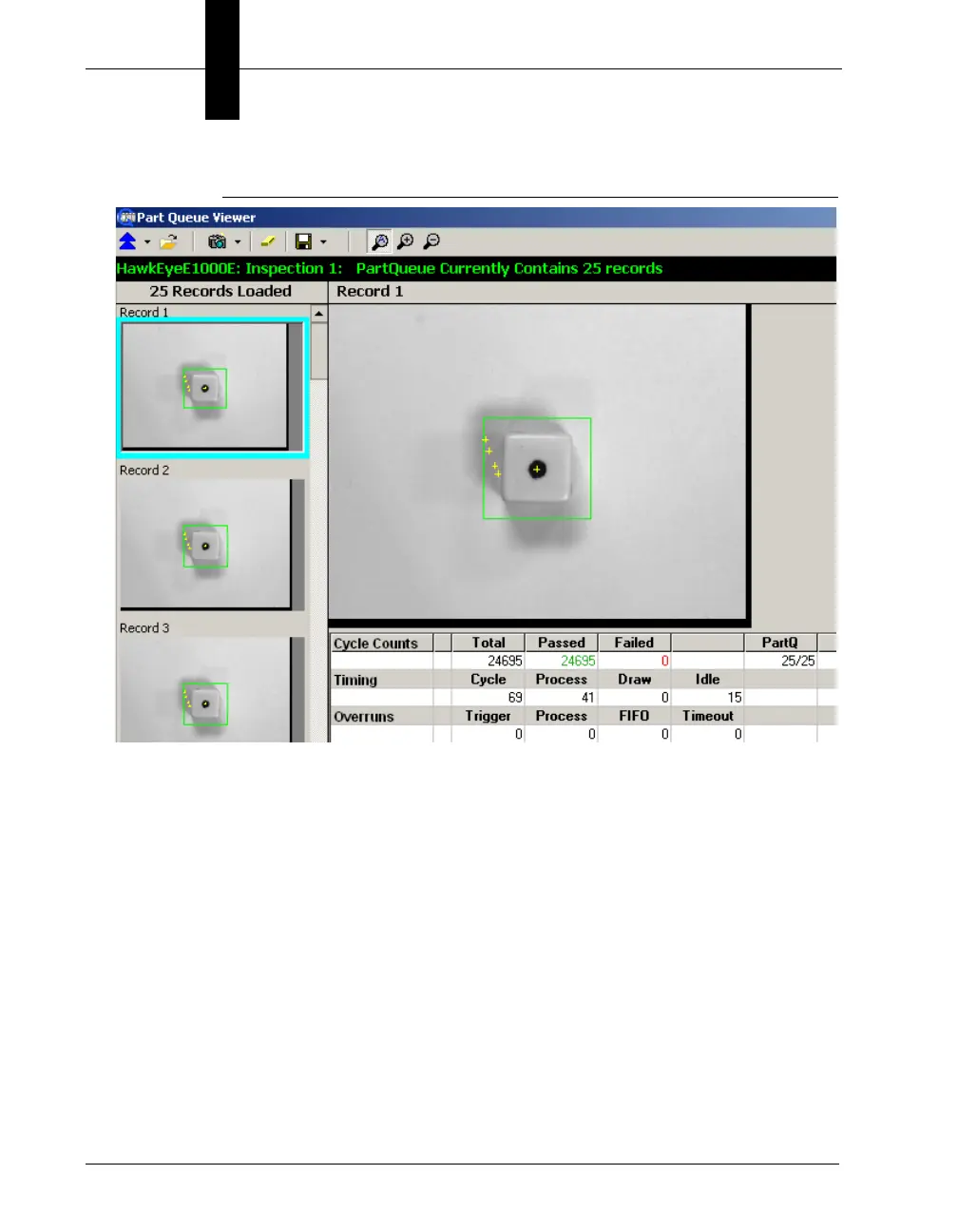
FIGURE 4–3. Part Queue Main Window
The status bar will increment as each image is saved in the Part
Queue.
Storing Qualified Images
Visionscape
®
allows you to store images that meet certain criteria that
you specify in the Part Queue Qualifier. If Part Queue Qualifier evaluates
to TRUE, then the image is saved in the Queue; if it evaluates to FALSE,
then it is not. When an inspection runs and meets the image storage
criteria, the inspection step saves all camera images in CPU memory for
that part, which can then be stored to be reviewed at a later time.
Use the following procedure to specify the criteria for storing qualified
images:
1. Add and select a camera.



 To Next Page