Chapter 4 The Part Queue
4-6 Visionscape FrontRunner™ User’s Manual v4.1.3, April 2012
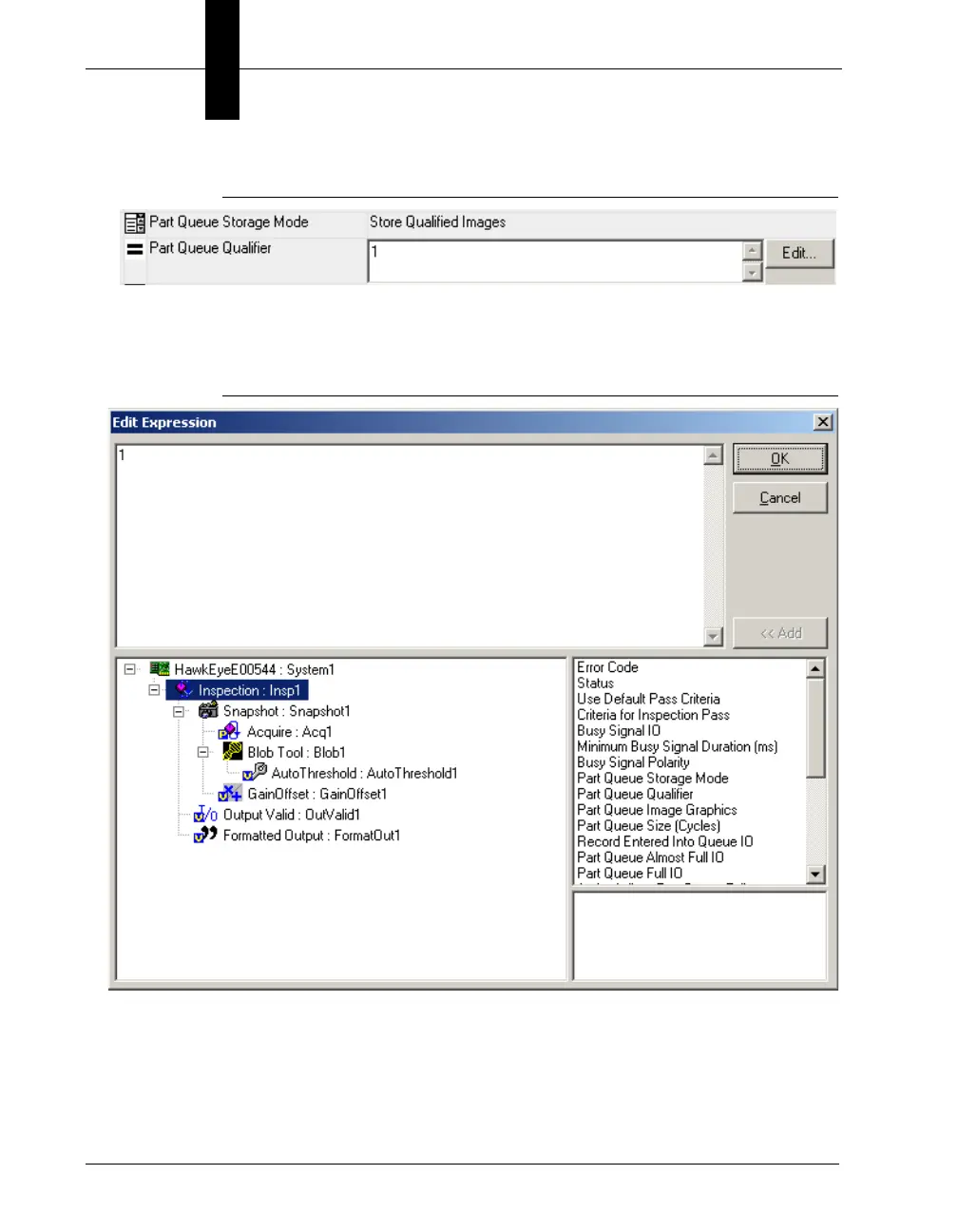
FIGURE 4–6. Displaying Edit Button
9. Click Edit.... FrontRunner™ displays the Edit Expression dialog box,
as shown in Figure 4–7.
FIGURE 4–7. Edit Expression Dialog Box
10. Notice the various expressions in the Edit Expression dialog box.
11. To add an expression so that it becomes part of the criteria by which
an image is evaluated, highlight the expression in the lower right
panel and click Add.



 To Next Page