Chapter 4 The Part Queue
4-8 Visionscape FrontRunner™ User’s Manual v4.1.3, April 2012
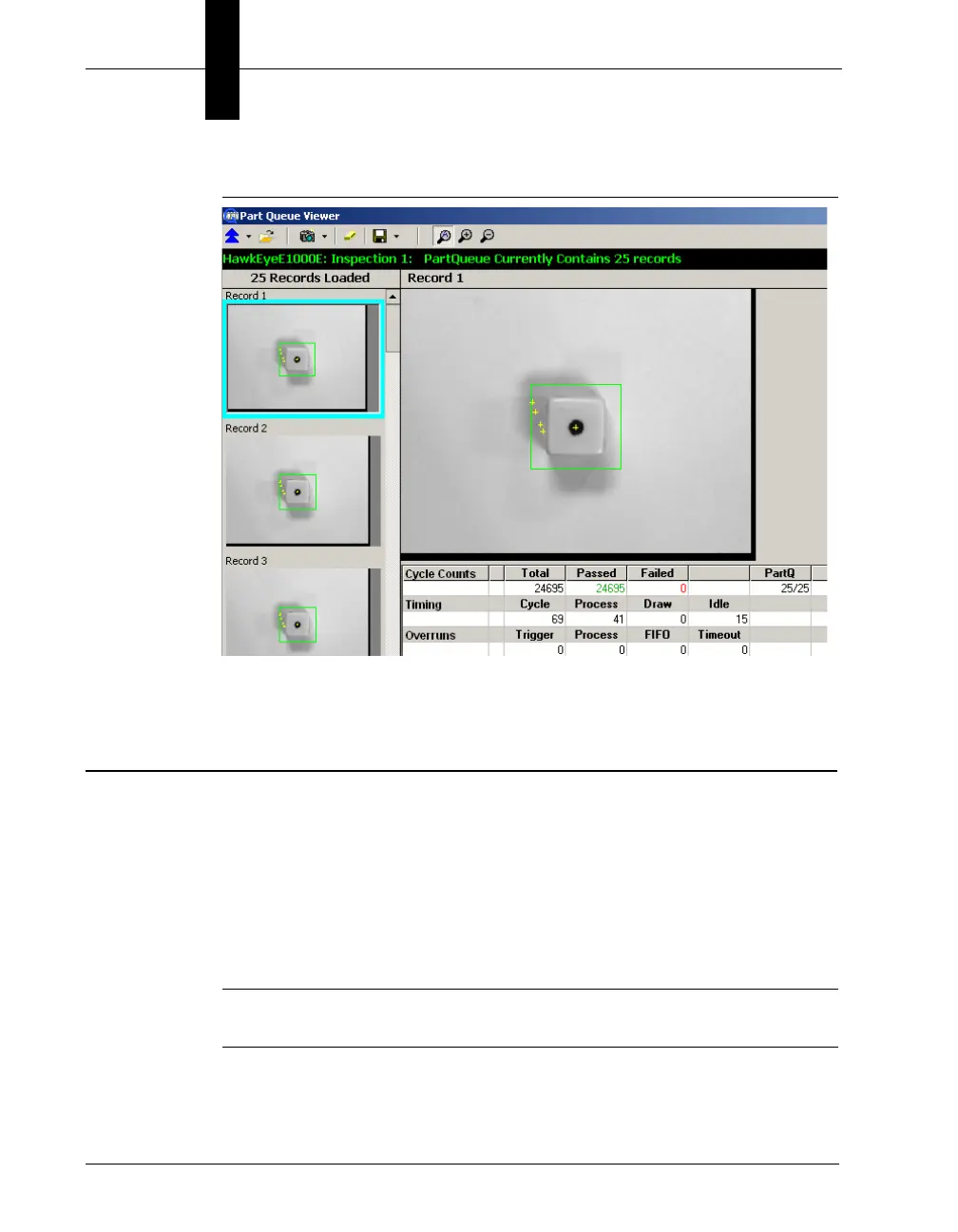
FIGURE 4–8. Image and Cycle Data
2. Click on the image in the filmstrip on the left that you want to display.
Saving Images and Records
From the Part Queue, you can save:
• The current image (with or without graphics)
• All images (with or without graphics)
• The current record
• All records
Note: A record is the image, the statistics, and the results of one
inspection cycle.



 To Next Page