24 Port Gigabit Ethernet PoE Switch – User Manual Page 18 of 72
________________________________________________________________________
©2014 MICROSENS GmbH & Co. KG – Hamm/Germany www.microsens.com
3-1. Web Management Home Overview
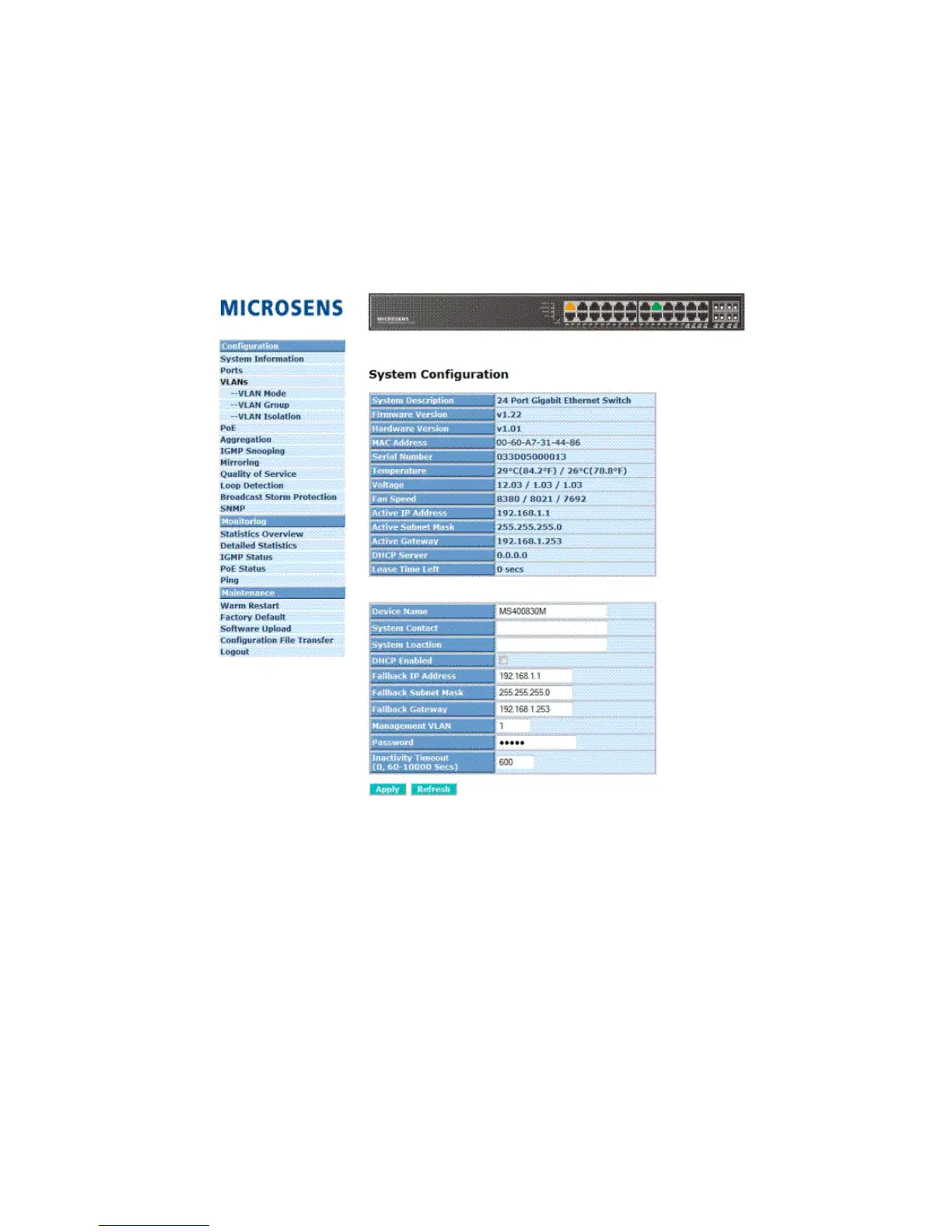
After login, System Information would be displayed as Fig. 4-2 illustrated. This
page lists default values and shows you the basic information of the switch, including
“Switch Status”, “TP Port Status”, “Fiber Port Status”, “Aggregation”, “VLAN”, “Mirror”,
“SNMP”, and “Maximum Packet Length”. With this information, you will know the software
version, MAC address, ports available and so on. It would be helpful while malfunction
occurred. For more details, please refer to Section 3-4-1.
Fig. 3-2



 To Next Page