24 Port Gigabit Ethernet PoE Switch – User Manual Page 67 of 72
________________________________________________________________________
©2014 MICROSENS GmbH & Co. KG – Hamm/Germany www.microsens.com
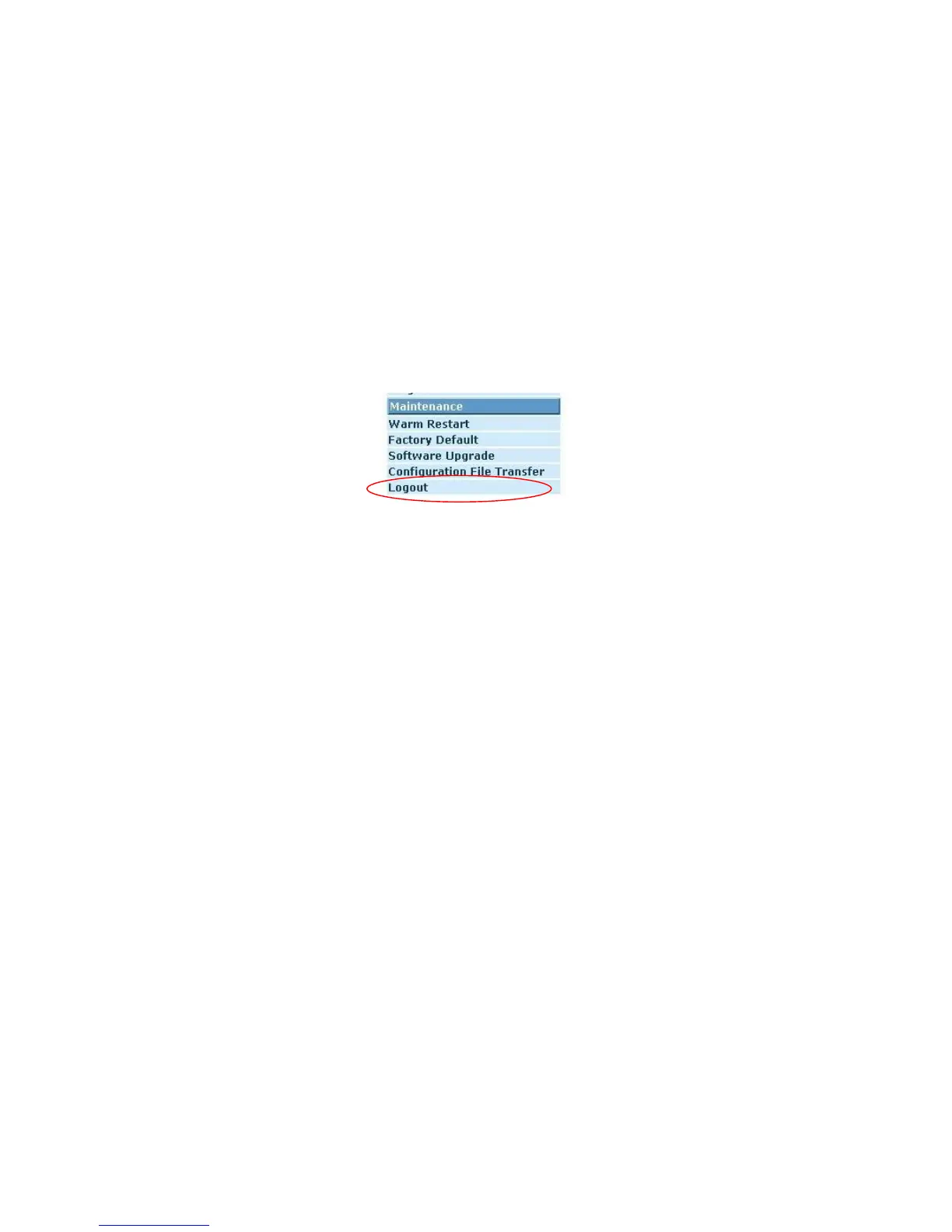
3-4-5. Logout
In addition to auto logout function we just mentioned in system configuration sec-
tion, the switch also allows administrators to logout manually by Logout function.
Function name
Logout
Function description
The switch allows you to logout the system to prevent other users from the system
without the permission. If you do not logout and exit the browser, the switch will au-
tomatically have you logout. Besides this manually logout and implicit logout, you
can set up the parameter of Auto Logout Timer in system configuration function to
explicitly ON/OFF this logout function.
Fig. 3-33
Parameter description
Auto/Manual Logout:
If no action and no key is stroke as well in any function screen more than the
minutes you set up in Auto Logout Timer, the switch will have you logout automatically.
Or press the <Logout> button in Logout function to exit the system manually.



 To Next Page