microTec
29
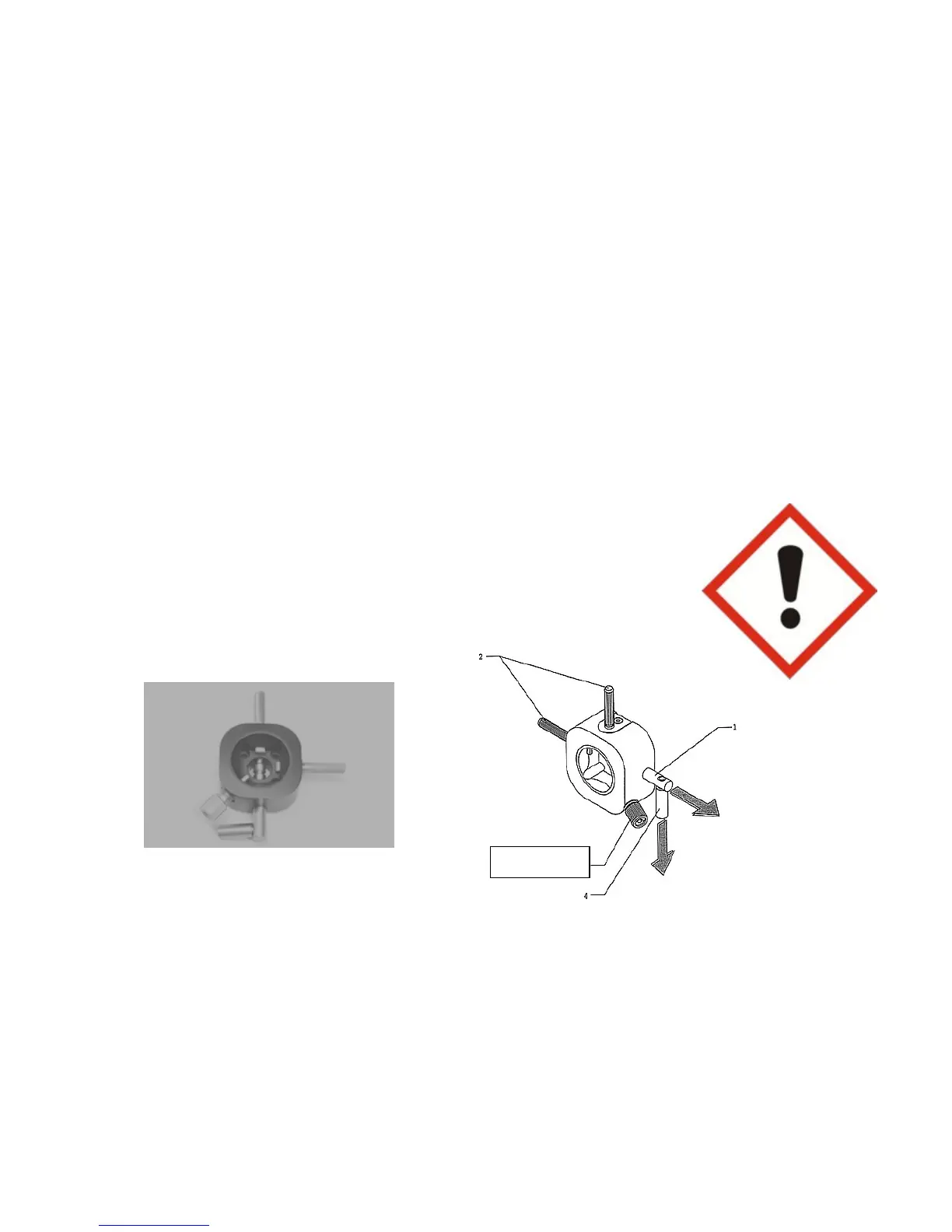
7.8 Specimen Orientation Device
Specimen clamping systems are attached to the orientation device by means of the
orientable adapter. This way, orientation of the specimen in relation to the plane of cut
is accomplished.
Rotate the eccentric cam lever towards the front.
Specimen clamping fixture is released. Range of specimen clamping: 360º (Z axis).
Turn orientation screws.
It is possible to orientate the specimen 8º in each direction (X axis, Y axis).
The spring loaded pin acts upon the orientation screws.
After orientating the specimen, press the eccentric cam lever upwards into the
clamping position.
Specimen is clamped.
Cutting of the specimen can now commence.
Important!
The spring loaded pin must remain fully screwed in, in order to
keep the orientation screws loaded under spring pressure.
Spring bolt



 To Next Page