microTec
31
8. Setting up the Knife
8.1 Knife Holder
The knife holders are user friendly designed and easy to clean due to its special
surface treatment. The risk of injury during the setting up of the knife and the
specimen is minimized by a laterally movable finger guard.
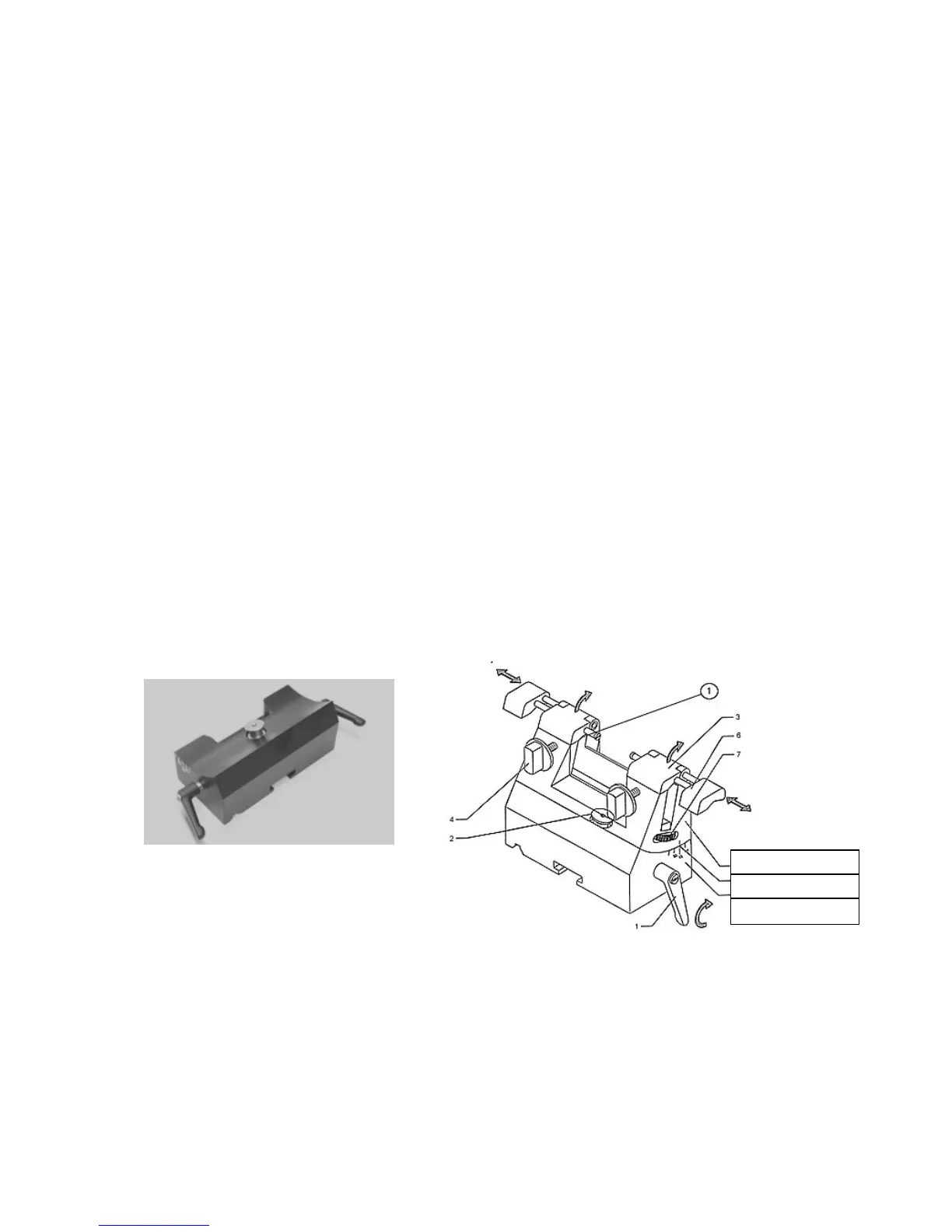
8.2 Knife Holder Base
The knife holder base is designed for universal use, and can be used for the “R“
type knife holder and also for the holder for throw-away blades.
Mounting the base of the knife holder.
Release clamping lever by rotating to the left.
Push the base of the knife holder on the guide bars.
Push the base of the knife holder centrally over the clamping mechanism.
Take note of the prism guide.
When in the required position, rotate clamping lever to the right until it reaches the
stop.
Knife holder R
Angle marking
Base of knife holder



 To Next Page