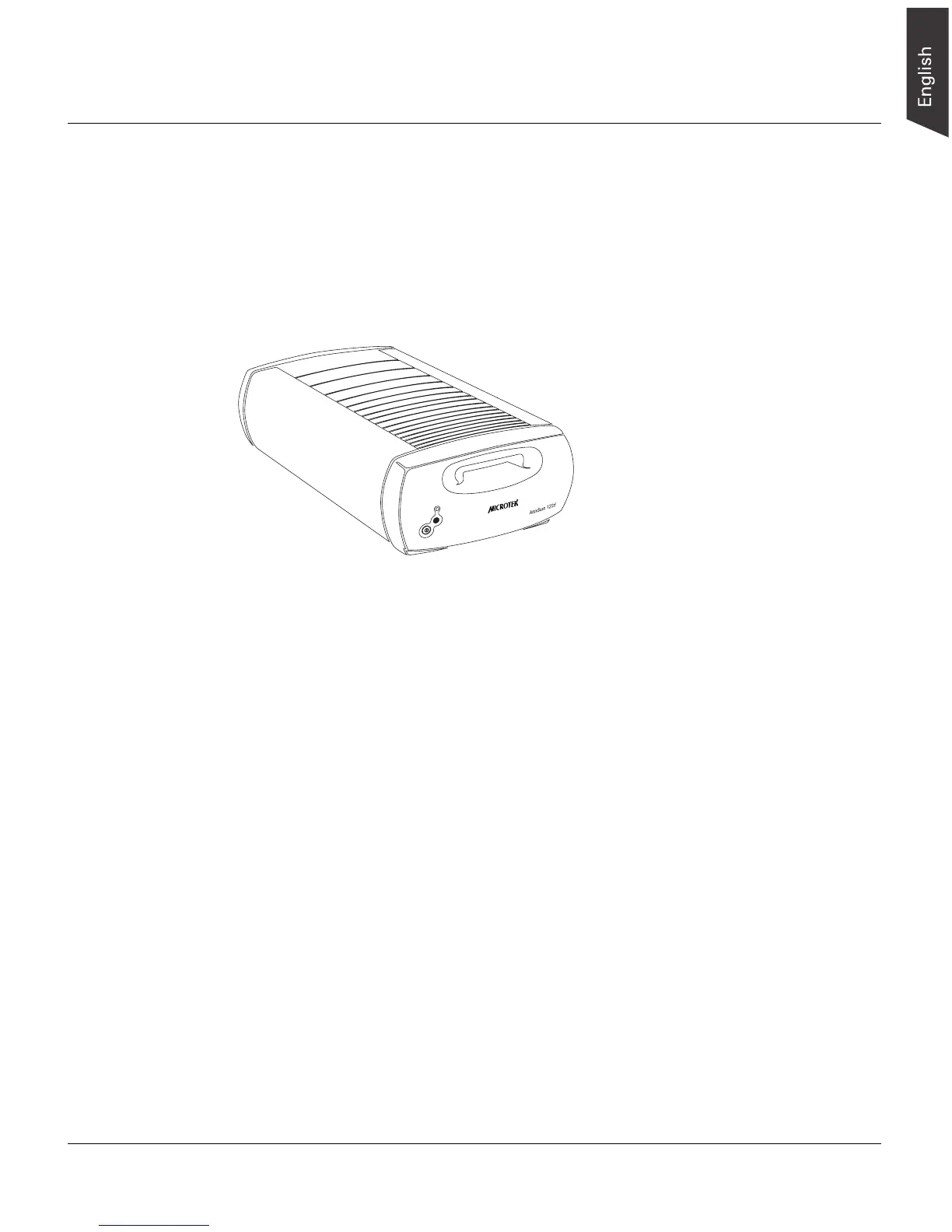
ArtixScan 120tf Installation and Operation Manual 1
Introduction
The ArtixScan 120tf is a single-pass, dual interface (FireWire and SCSI), 42-bit, high-
resolution scanner designed for scanning transparent media such as film, slides, and
filmstrips.
This manual will help you in the installation and operation of your scanner, with the
information provided covering both Macintosh and PC environments.
System Requirements
• CD-ROM drive (for installing software)
• Color display with 24-bit color output capability
• 128MB RAM or more recommended
Macintosh
• FireWire (IEEE 1394) - iMac DV or Mac G3/G4 with built-in FireWire port
- Mac OS 9.x or OS X
• SCSI - iMac or Mac G3/G4 with built-in SCSI port
- Mac OS 8.6, 9.x, or OS X
PC and compatibles
• FireWire (IEEE 1394) - Pentium II PC or later with FireWire port or available
PCI slot for installing included FireWire host adapter
- Microsoft Windows 98SE, Me, 2000 or XP
• SCSI - Pentium II PC or later with a SCSI card installed
- Microsoft Windows 95, 98, 98SE, Me, 2000 or XP










 To Next Page