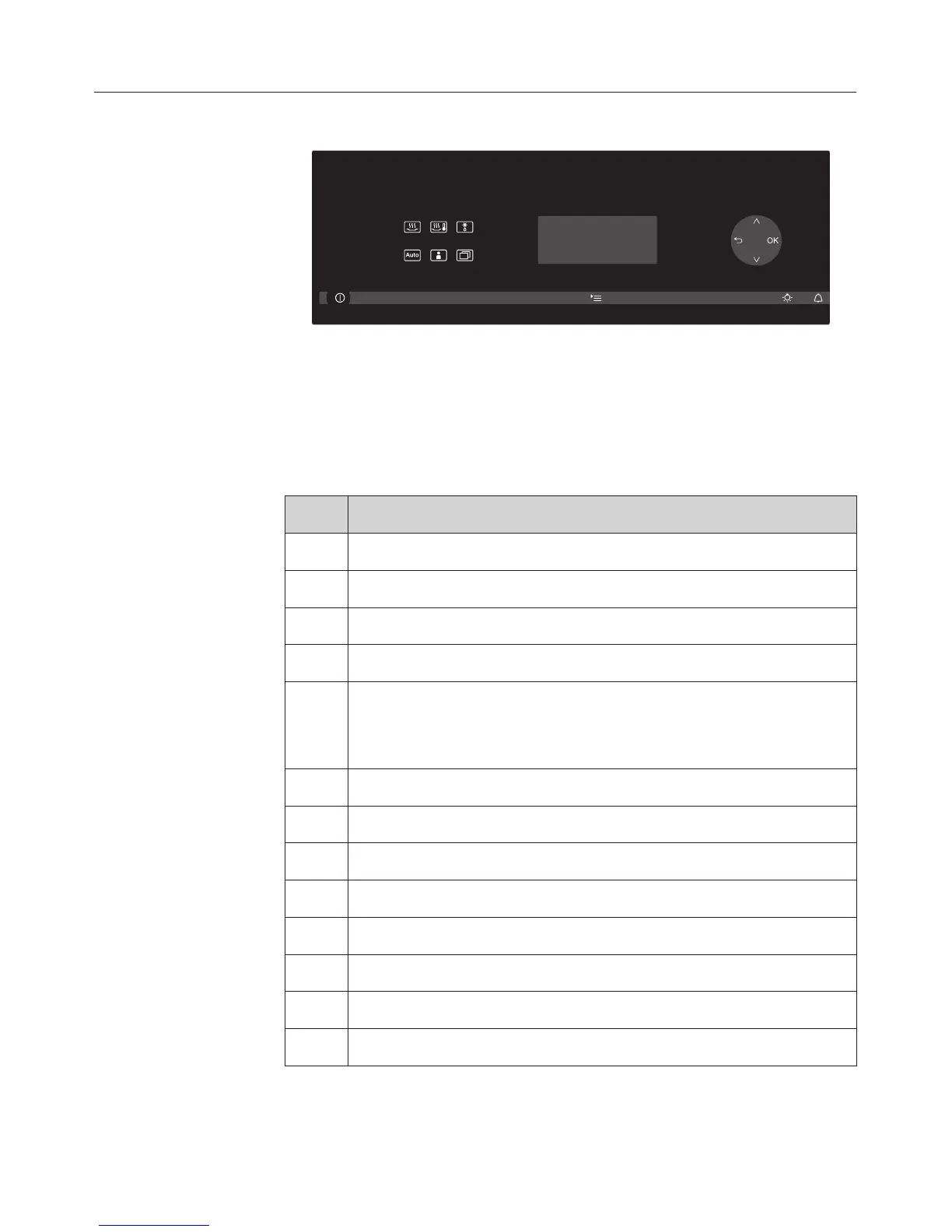
Control panel
Sensor controls
Lightly touch the sensors to operate the appliance. An
audible tone will sound each time a sensor is touched. You
can alter the volume of the tone or switch the tone off in the
Settings menu (see "Settings / Volume").
Function
K Switches the appliance on and off
X Settings
I Lighting
N Timer
?
;
- Set the temperature
- Set the duration
- "Scroll"
# Back
OK Confirm input
2 Steam cooking
Ç Reheating
) Defrost
c Automatic programmes
~ User programmes
Further applications
Description of the functions
15



 To Next Page