Display
The following symbols appear in the display in addition to the
text:
Symbol Explanation
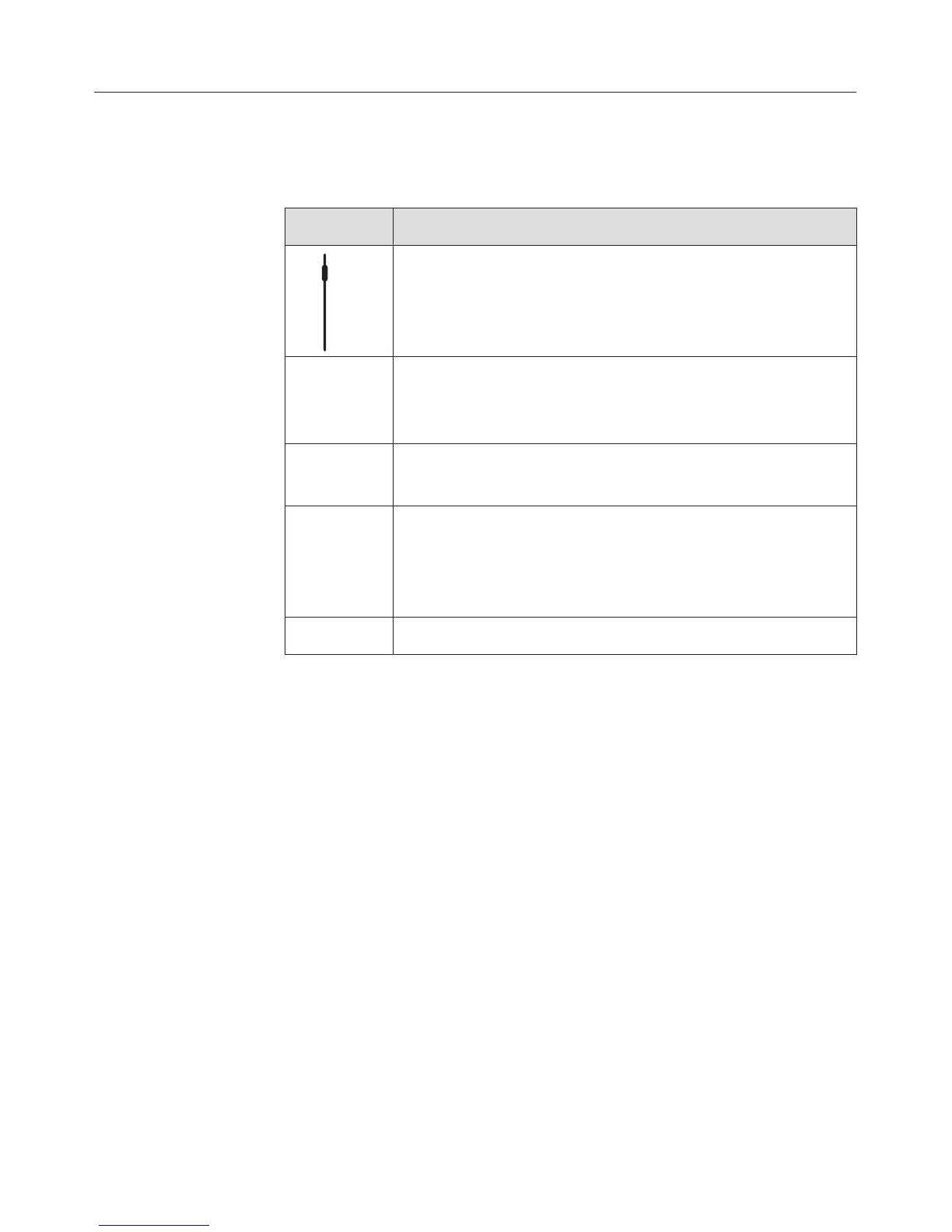
A maximum of 3 options appear in the display.
If more options are available a scroll bar will also
appear in the display.
- - - A dotted line will appear under the last option
available. The beginning of the list will appear
under the dotted line.
L A tick will appear beside the option which is
currently selected.
K Operating information and tips can be viewed in
the screen. This information window can be
deleted by selecting OK or by following
instructions on the screen.
$ System lock engaged
Condensate tray
When you are using perforated containers, place the
condensate tray on the lowest shelf level to collect any drops
of liquid and allow them to be removed easily.
You can also use the condensate tray as a cooking container
if necessary.
Description of the functions
16



 To Next Page