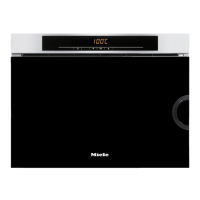
Controls
20
Symbols
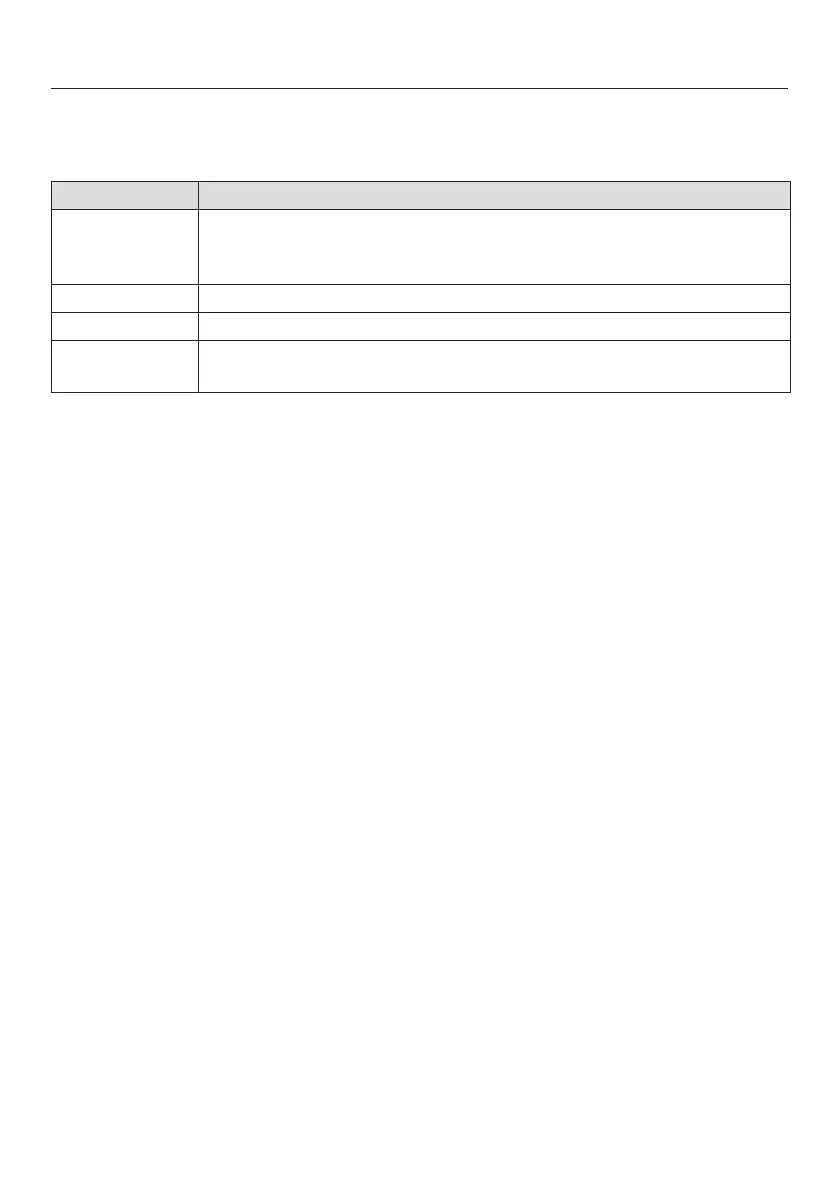
The following symbols may appear in the display:
Symbol Meaning
This symbol indicates that there is additional information and ad-
vice about using the appliance. Select OK to access the informa-
tion.
Minute minder
A tick indicates the option which is currently selected.
Some settings, e.g. display brightness and buzzer volume are se-
lected using a bar chart.


 To Next Page