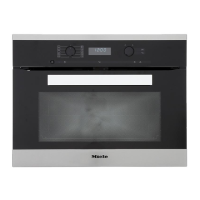
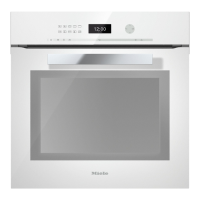
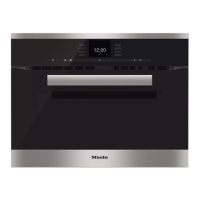
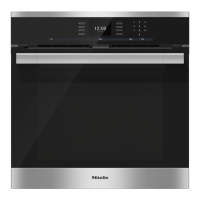
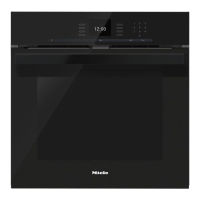
Oven controls
22
Sensors controls
The sensors react to touch. Each touch is confirmed with a keypad tone.
This keypad tone can be switched off by changing setting to status (see
"Settings").
Sensor Function Notes
OK For calling up
functions and
saving settings
Functions marked with the triangle can be
called up by touching OK. The selected function
can be changed whilst the triangle is flashing.
Confirm with OK to save any changes.
To go back a step
For setting the
minute minder
If the time of day is visible, you can enter a minute
minder duration at any time, e.g. when boiling
eggs on the cooktop.
If the display is dark, this sensor will not react until
the oven is switched on.


 To Next Page