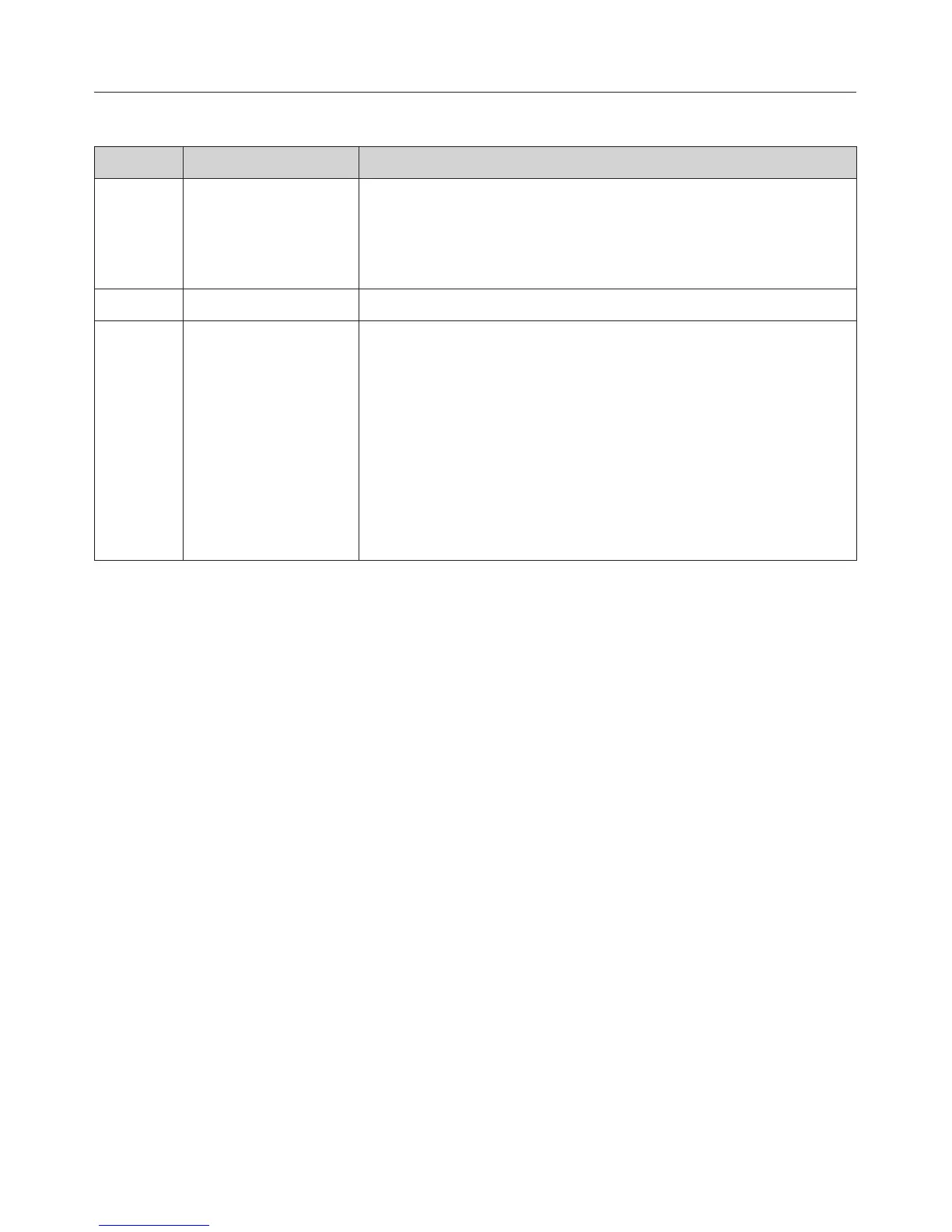
Sensor Function Notes
OK For calling up
functions and
saving settings
Functions marked with the triangle V can be called
up by touching OK. The selected function can be
changed whilst the triangle V is flashing.
Touch OK to save the changes.
# To go back a step
X For calling up
functions
If the time of day is visible in the display and the
rotary selector is at the ß position, the symbols for
settings X, time of day +, and system lock 0 will
appear when the X sensor is touched.
If the display is dark, the X sensor will not react until
the oven is switched on.
During a cooking process, temperature 6, cooking
duration T and finish time S can be adjusted by
touching this sensor.
Oven controls
22


 To Next Page