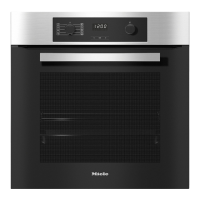
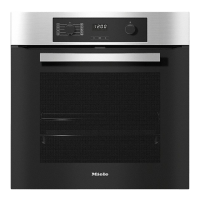
The system lock 0 prevents the oven
from being used unintentionally, for
example by children.
The oven is delivered with the system
lock deactivated.
The setting for the system lock can be
changed by altering its status s:
–
S0 = Off
–
Si =On
Activating the system lock
The status of the system lock can
only be altered when the oven is
switched on and the rotary selector is
at ß.
^ Touch X.
^ Use the rotary selector to move the
triangle V until it appears under 0.
P
X+ 0
V
^
Touch the OK sensor.
The currently set status S0appears:
S0
0
V
^
Use the rotary selector to select
status SI.
Si
0
V
^ Touch the OK sensor.
^ Touch X.
The current time of day will appear.
^ Switch the oven off.
When the appliance is switched on
again, the 0 symbol will appear in the
display to remind you that the system
lock has been activated.
The system lock will remain activated
even after an interruption to the
power supply.
System lock 0
40


 To Next Page