Changing the time of day
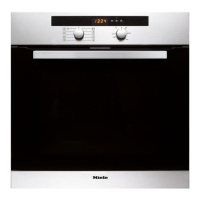
The time of day can only be changed
when the oven is switched on and the
function selector is at ß.
^
Touch X.
^
Use the rotary selector to move the
triangle V until it appears under +.
^
Touch the OK sensor.
The triangle V will flash under +.
^
Use the rotary selector to enter the
time of day.
^ Touch the OK sensor.
The time of day is now saved.
In the event of a power cut, the time of
day is saved for approx. 200 hours. If
power is restored within this time, the
current time of day will be displayed
again.
After a longer power cut, the time of
day needs to be re-entered.
Settings
36


 To Next Page