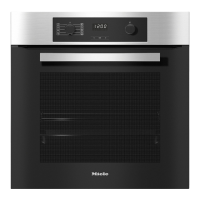
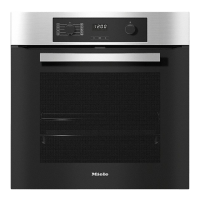
Before using for the first time
,
The oven must be built into its
housing unit before it can be used.
^
Press and release the function and
rotary selectors if they are retracted.
The time of day can only be changed
when the function selector is at ß.
^
Set the time of day
Setting the time of day for the
first time
The time of day is shown in the 24-hour
format.
After connecting the oven to the
electricity supply, 12:00 will appear in
the display and the triangle V will flash
under +:
i2
:
00
+
V
^ Use the rotary selector to enter the
time of day.
^ Touch the OK sensor.
The time of day is now saved.
The time of day can be displayed in the
12-hour format by setting P4in the
settings menu to status i2h (see
"Settings").
In the event of a power cut, the time of
day is saved for approx. 200 hours. If
power is restored within this time, the
current time of day will be displayed
again.
After a longer power cut, the time of
day needs to be re-entered.
The time of day display is switched
off by default (see "Settings – Pi").
The display appears dark if the
oven is switched off. The time of day
continues to run unseen in the
background.
Using for the first time
32


 To Next Page