11
B. Troubleshooting of calibration:
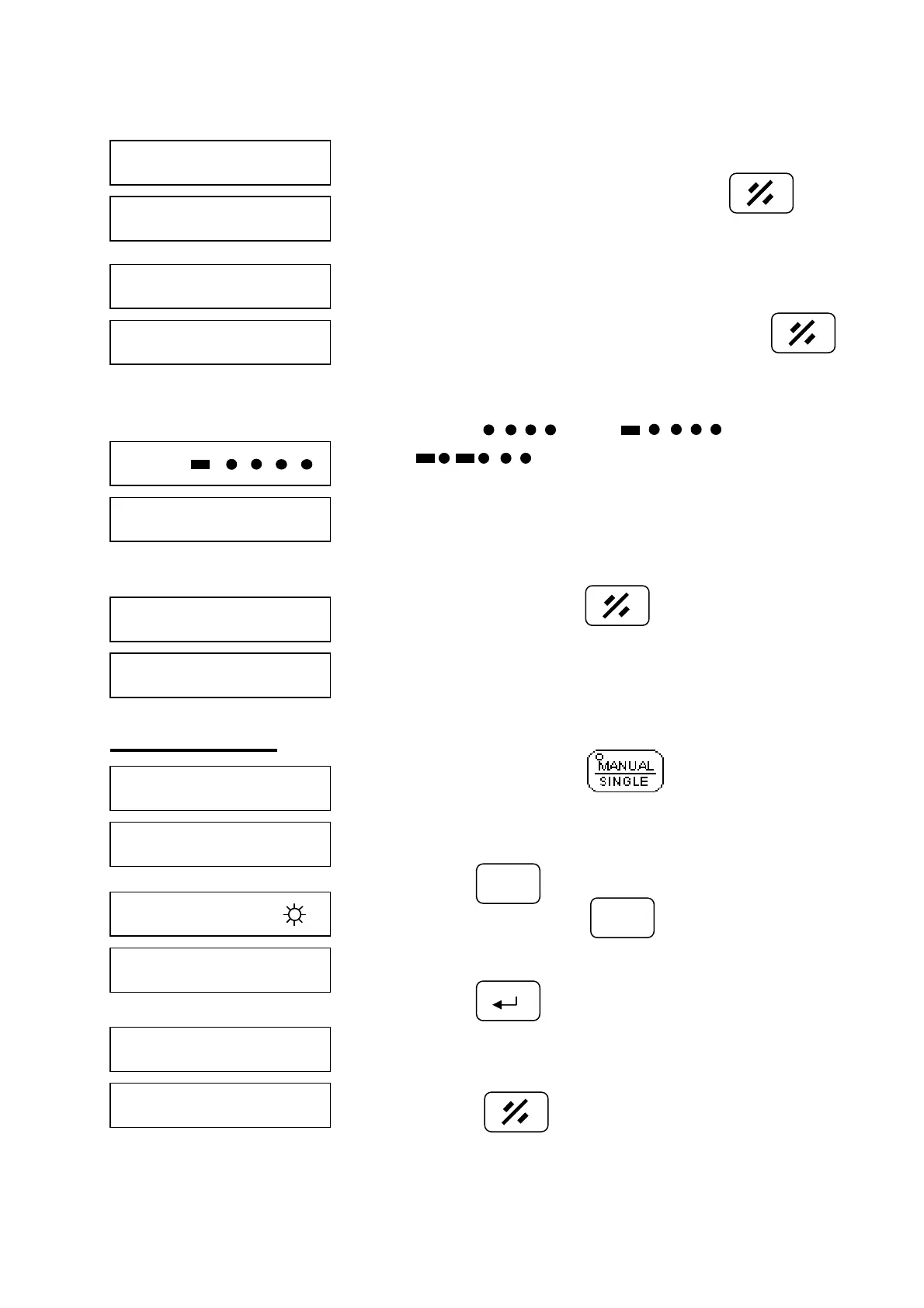
a. Display: GAP LO
Possible cause: The gap is too narrow.
Excluding: Please enlarge the gap. Press and
follow step 2 again.
b. Display: GAP Hi
Possible cause: The gap is too big.
Excluding: Please narrows the gap and press
calibration again.
c. Display: GO or GO or
GO
Possible cause: The gap too big or machine surface is
not flat/smooth.
Excluding: Adjust gap or improve the machine surface.
d. During calibration press to exit.
Set Parameter
Step 1. Select single mode LED lamp off.
Step 2. Press select enter parameter #, example
parameter 2, press
Step 3. Press target value display OriGin(Lond
parameter)
Note:※ Refer to set parameter or page12.
Note: Press to exit.※
F
2



 To Next Page