Loitering
When objects are loitering in a defined area for a specific period of time, it would trigger an alarm.
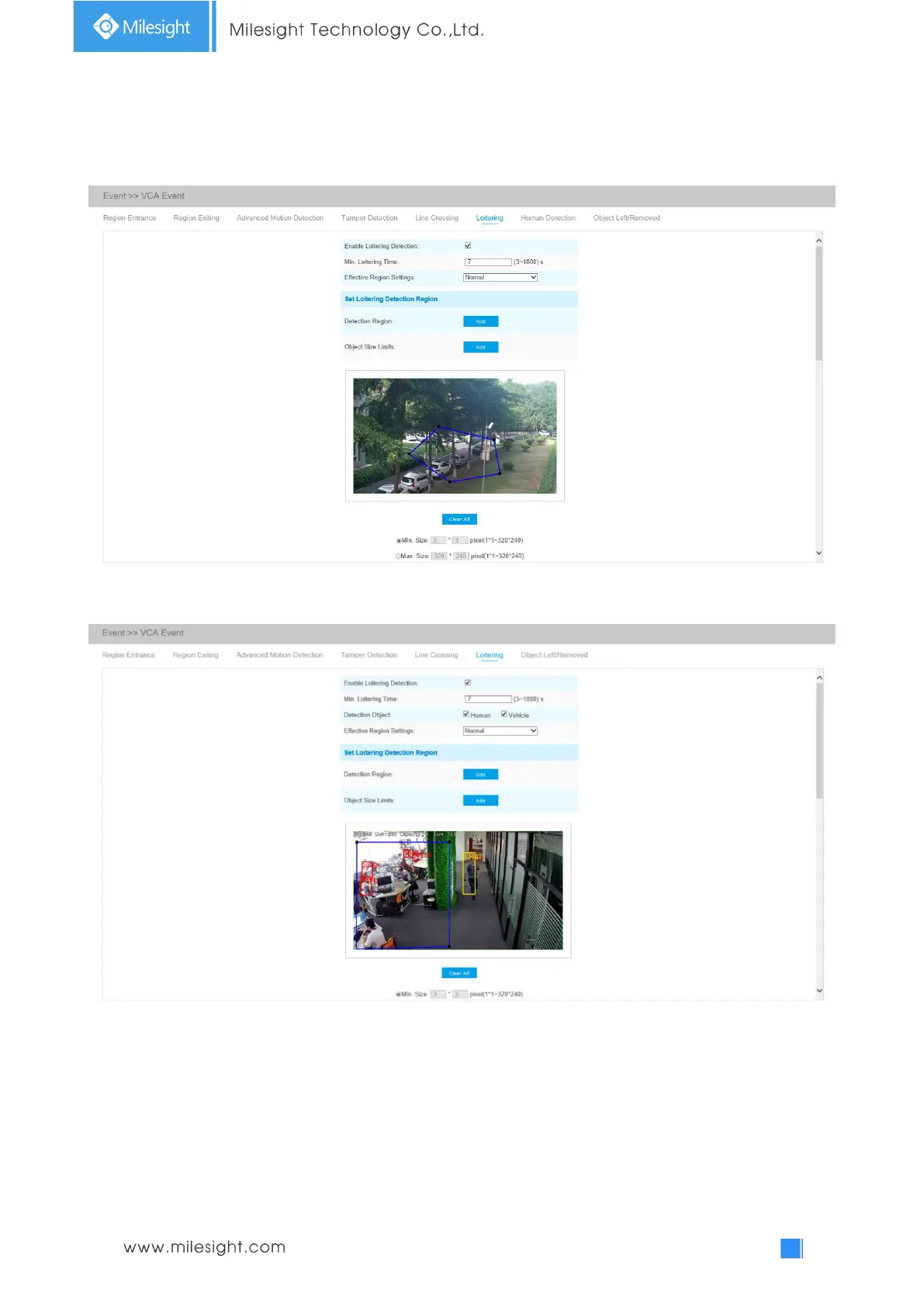
Loitering Interface(for non AI-cameras)
Loitering Interface(for AI cameras)
Step1: Enable Loitering Detection and minimum loitering time;
Step2: Choose detection object. Check Human or Vehicle attribute, and the camera will alarm once
detecting people or vehicle and triggering related events;
Note: All AI Cameras support this function.
Step3: Set loitering detection region. If you choose Normal Mode, it supports configuring the











 To Next Page