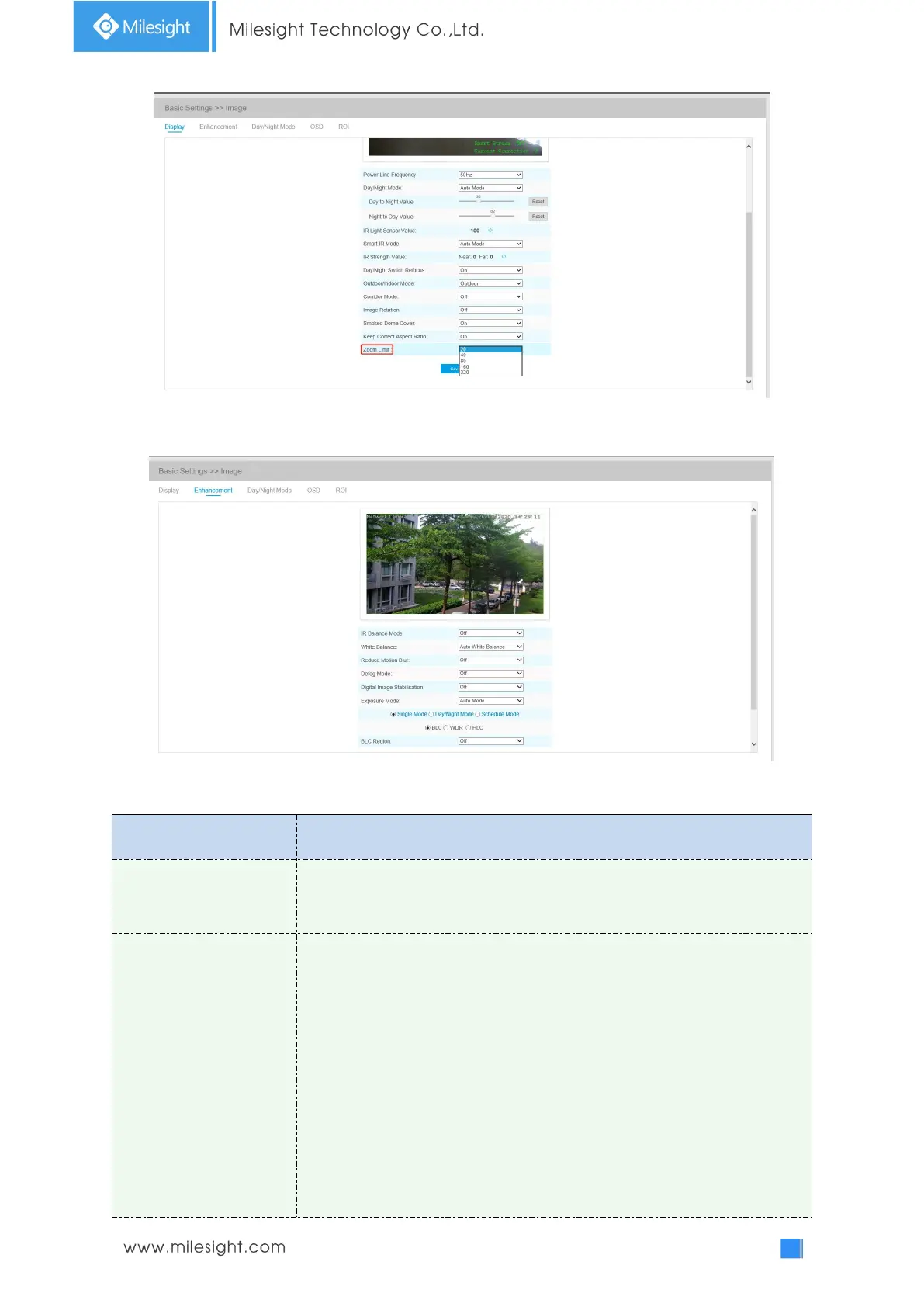
There is an option to turn On/Off the IR LED.
IR Balance Mode would avoid the problem of overexposure or darkness, and
the IR LED will change according to the actual illumination.
To restore white objects and remove color distortion cause by the light of
the environment
Auto White Balance: This option will automatically enable the White Balance
function;
Manual White Balance: Set Red Gain Level and Blue Gain Level manually;
Incandescent Lamp: Select this option when light is similar with incandescent
lamp;
Warm Light Lamp: Select this option when light is similar with warm light
lamp;
Natural Light: Select this option when there is no other light but natural light;
Fluorescent Lamp: Select this option when light is similar with Fluorescent











 To Next Page