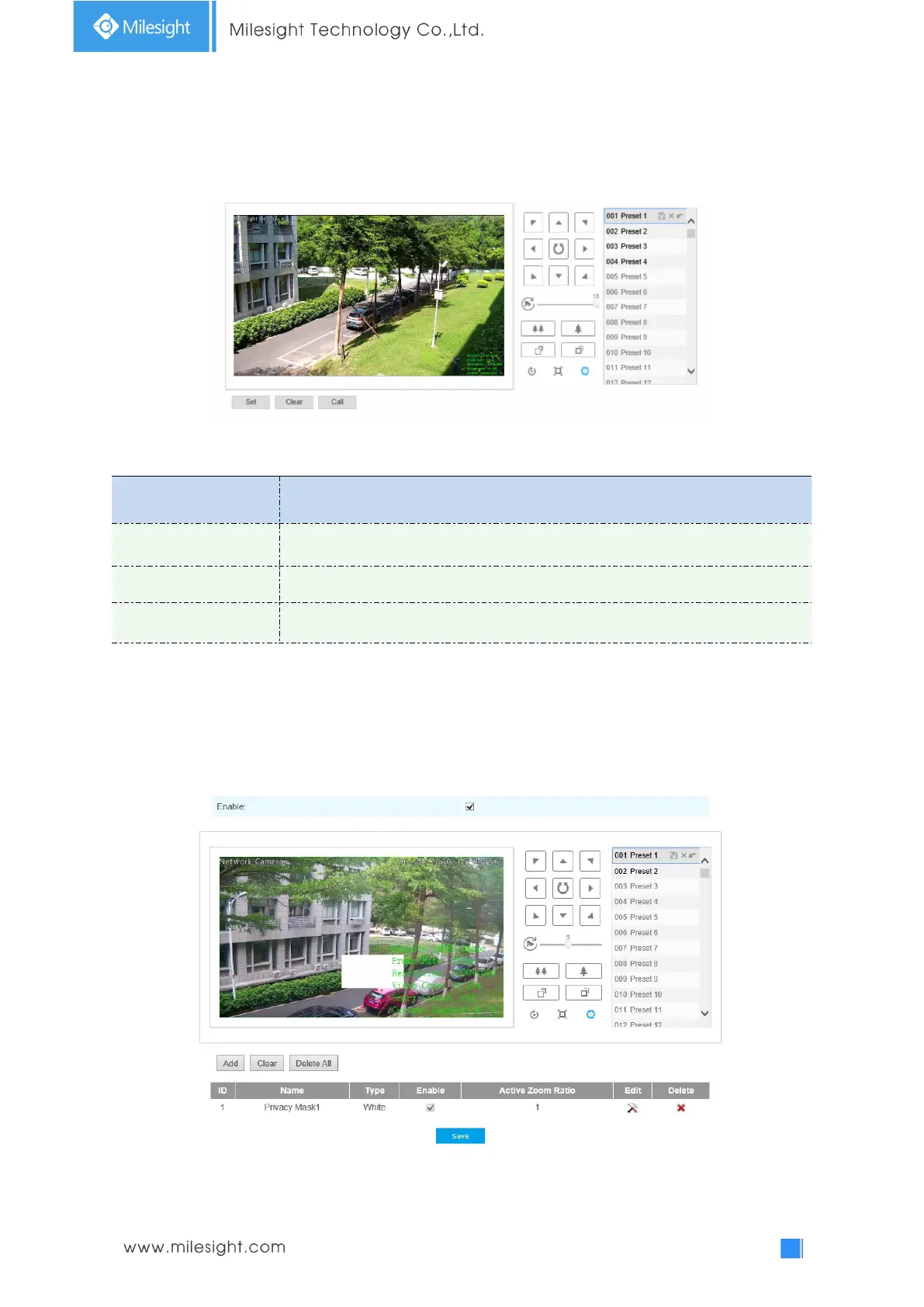
You can configure the Initial Position for PTZ cameras as a zero point.
Step1: Click the PTZ control buttons as the Initial Position of the Mini PTZ bullet,you can also call a
defined preset and set it as the Initial Position.
Step2: Click Set to save the position as the Initial Position.
Table 4-5-14 Description of the buttons
Click to set the current position as a Initial Position
Clear the Initial Position to default settings.
Click to call the Initial Position.
Privacy Mask
Privacy mask enables to cover certain areas on the live video to prevent certain spots in the
surveillance area from being viewed and recorded. The mask area does not move as the lens
moves. You can set 24 mask areas at most.











 To Next Page