Table 4-5-15 Description of the buttons
Check the checkbox to enable the Privacy Mask function
Add the current drawing area as Privacy Mask
Clear the current drawing area
Clear all areas you drew before
Support to customize the name of Privacy Mask
Select the color for the privacy areas, there are eight colors available: White,
Black, Blue, Yellow, Green, Brown, Red, Violet
Set the value of Active Zoom Ratio according to your need, and then the mask will
only appear when the zoom ratio is greater than the predefined value
Scheduled Tasks
You can configure the PTZ camera to perform a certain action automatically in a user-defined time
period.
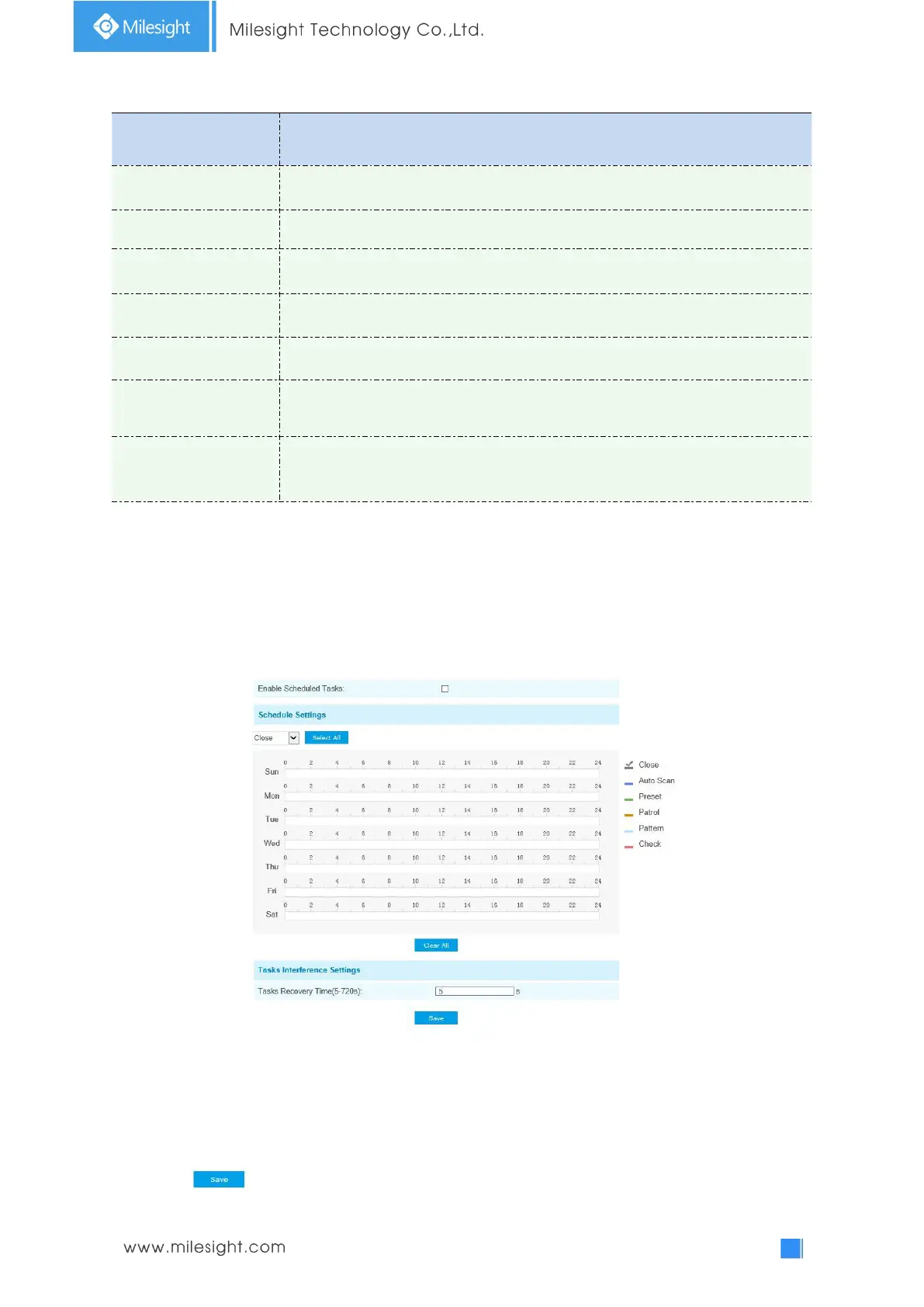
Step1: Enter the Scheduled Task Settings interface:
Step2: Check the checkbox to Enable Scheduled Task.
Step3: Set the schedule and task details.
Step4: Set the Task Recovery Time(from 5 to 720 seconds). You can set the time(a period of
inactivity) before the PTZ camera starts the schedule and task details.
Step5: Click button to save all the configurations.











 To Next Page