MI104 Weighing Indicator User Manual
Display of back light on
automatically
Display of back light off
Beep sound off during the
check weighing
Beeper will be sounded with in
the check weighing limits
Beeper will be sounded above
the check weighing limits
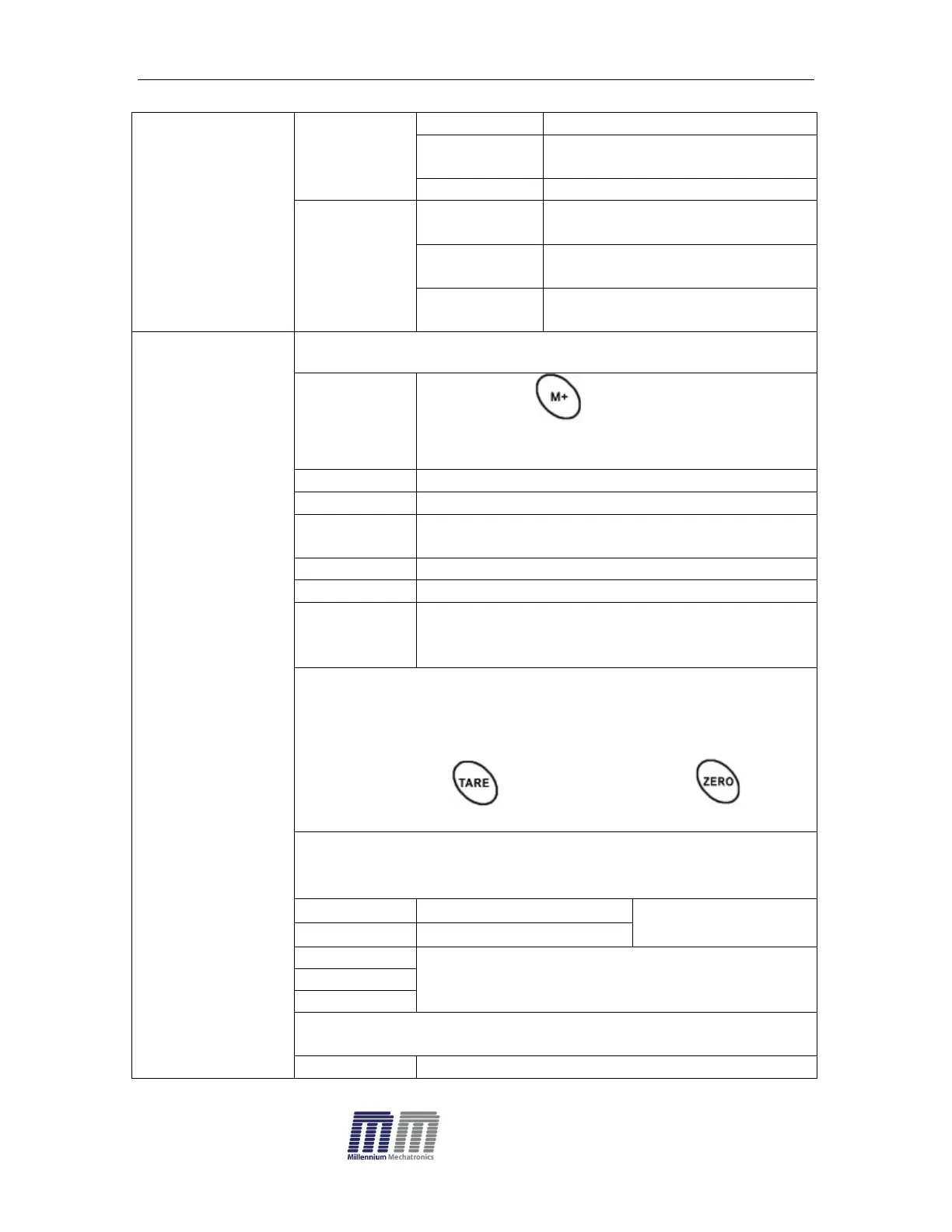
By pressing , weighing value will be
added to the memory and print the print out
Also send data continuously
Bi- direction , through PC
Commands R= Send, T= Tare, Z= Zero
Send data of stable weighing values
Automatic accumulation.
Individual weighing values are automatically
added
Set BAUD rate
After setting the RS 232 mode, display will be shown current
baud rate b XXX. Avail able baud rate: b600, b1200,
b2400, b4800 and b9600 If necessary change the baud
rate by pressing and enter by pressing
Set print out format
If enter settings p prt, p auto, p cont and connected
optional printer
Only for p prt, p
auto format


 To Next Page