MI104 Weighing Indicator User Manual
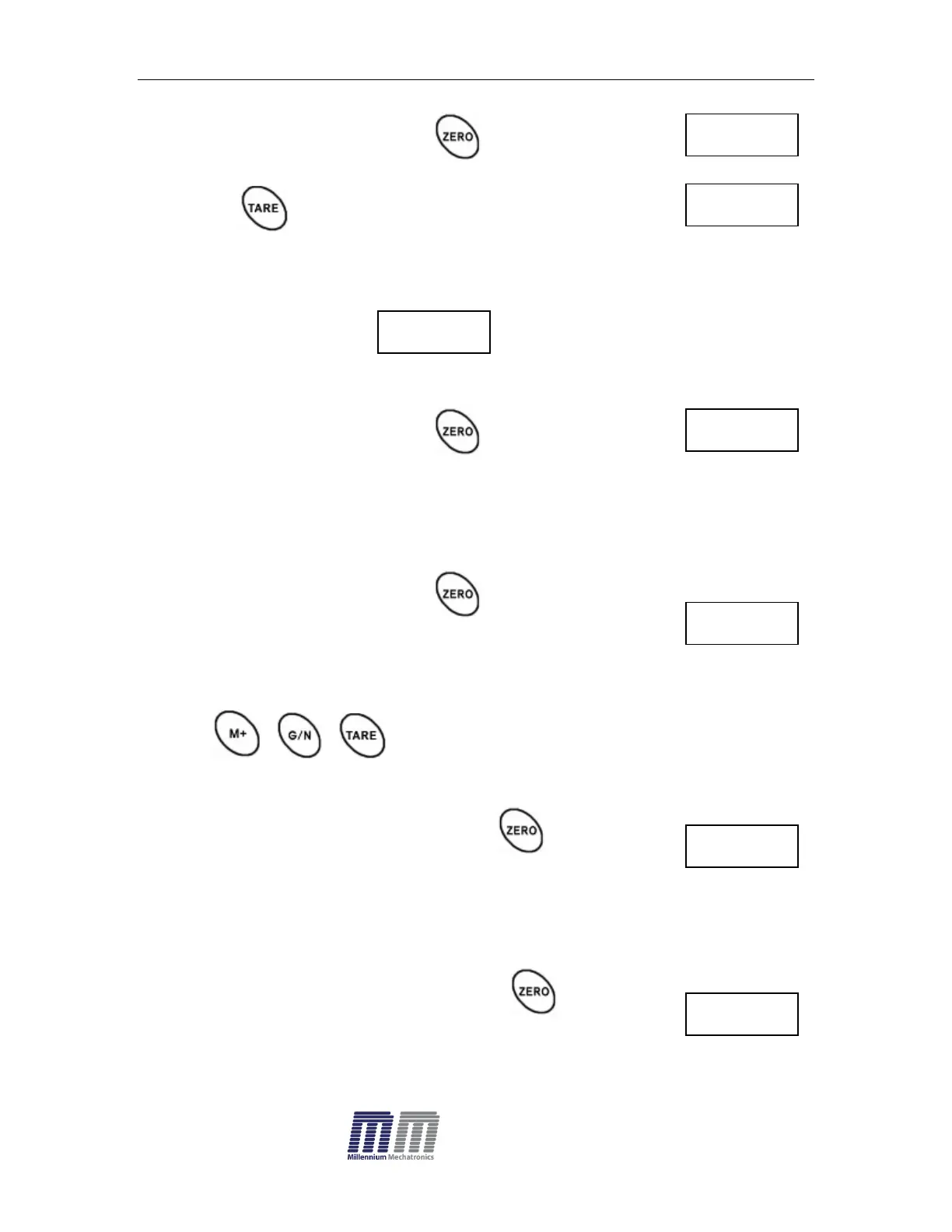
Enter the function by pressing , display will show
Press to select for normal calibration
Normal Calibration:
Enter the function by pressing , display will show
Make sure there are no loads on the platform and wait few seconds for
stable indicator on.
Enter the function by pressing , display will show
Value of last weight used for calibration
Change this number to the weight being used for calibration now, by using the
keys , ,
Enter the selected setting by pressing ,
display will show.
Load the calibration weight on the scale (or load cell) and wait
few seconds for display stability.
After the STABLE indicator is on, press , display will
show.


 To Next Page