User Manual minCam360compact
®
®minCam GmbH, Bundesstraße 9, 87538 Fischen, Germany info@mincam.de
Version: March 2020, according to the technical state of the art at the time of publication, subject to alterations.
2 Functional description
2.1
Components
2.1.1
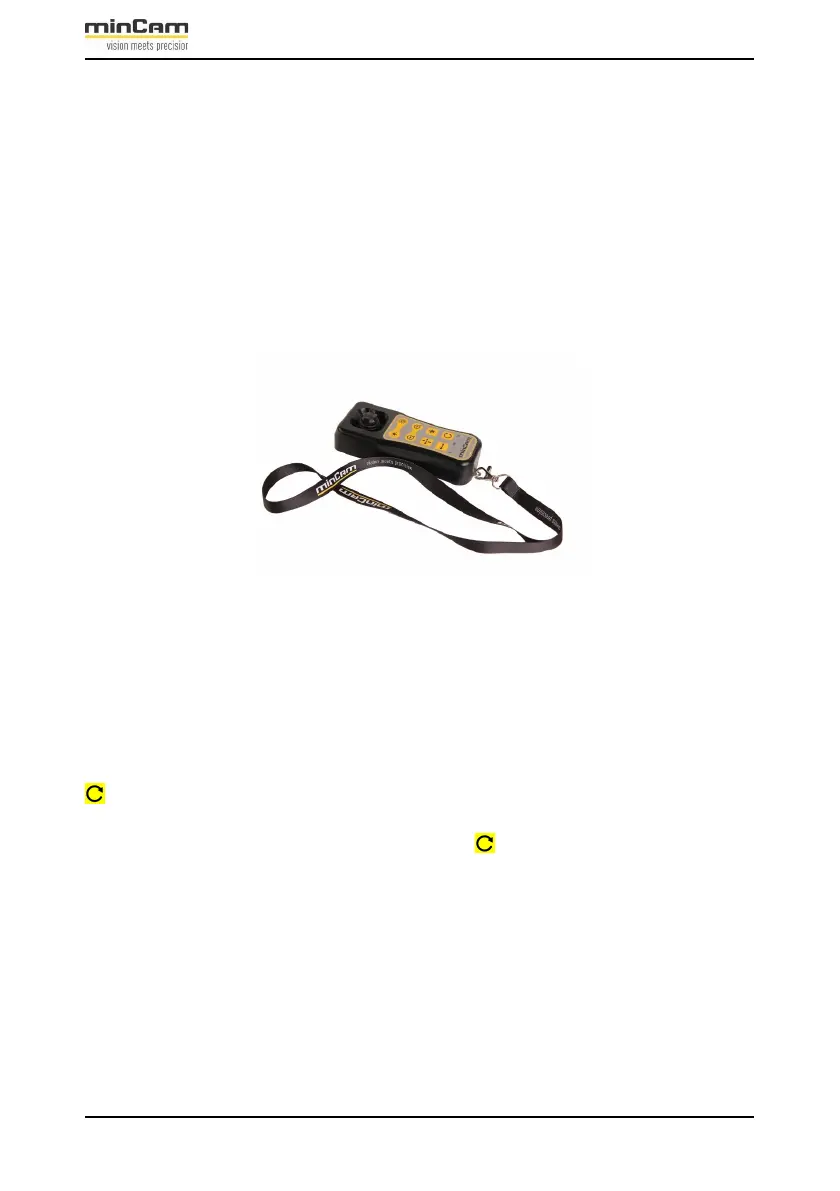
Remote control
Figure 2.1: Remote control for minCam360compact
®
The remote control can remain in the Peli-case for operation, be held in the hand or
placed on the pushing aid. If the remote control is inside the charging tray, the battery
of the remote control is charged automatically.
To switch on the remote control push
for 1 second. When the remote control is switched on, the blue LED flashes until
the Bluetooth connection is established (LED constantly blue).
To switch off the remote control, press and hold for 4 seconds.


 To Next Page