User Manual minCam360compact
®
®minCam GmbH, Bundesstraße 9, 87538 Fischen, Germany info@mincam.de
Version: March 2020, according to the technical state of the art at the time of publication, subject to alterations
2.2
Recording
The integrated display and recording unit is located in a housing which is attached to
the reel via the ball joint. The device is used to store videos and damage pictures,
even during video recording, on an SD card. Videos are stored as MPEG-4 files with
the file extension *.avi, damage pictures with *.BMP.
2.2.1
LED display SD Slot
The LED on the SD slot indicates the status of the system.
During the startup process the LED lights up constantly. When it starts flashing,
the system and SD card are ready for recording.
If the LED does not light up, the system is not ready for operation. No or no
compatible SD card is inserted.
2.2.2
Fernbedienung
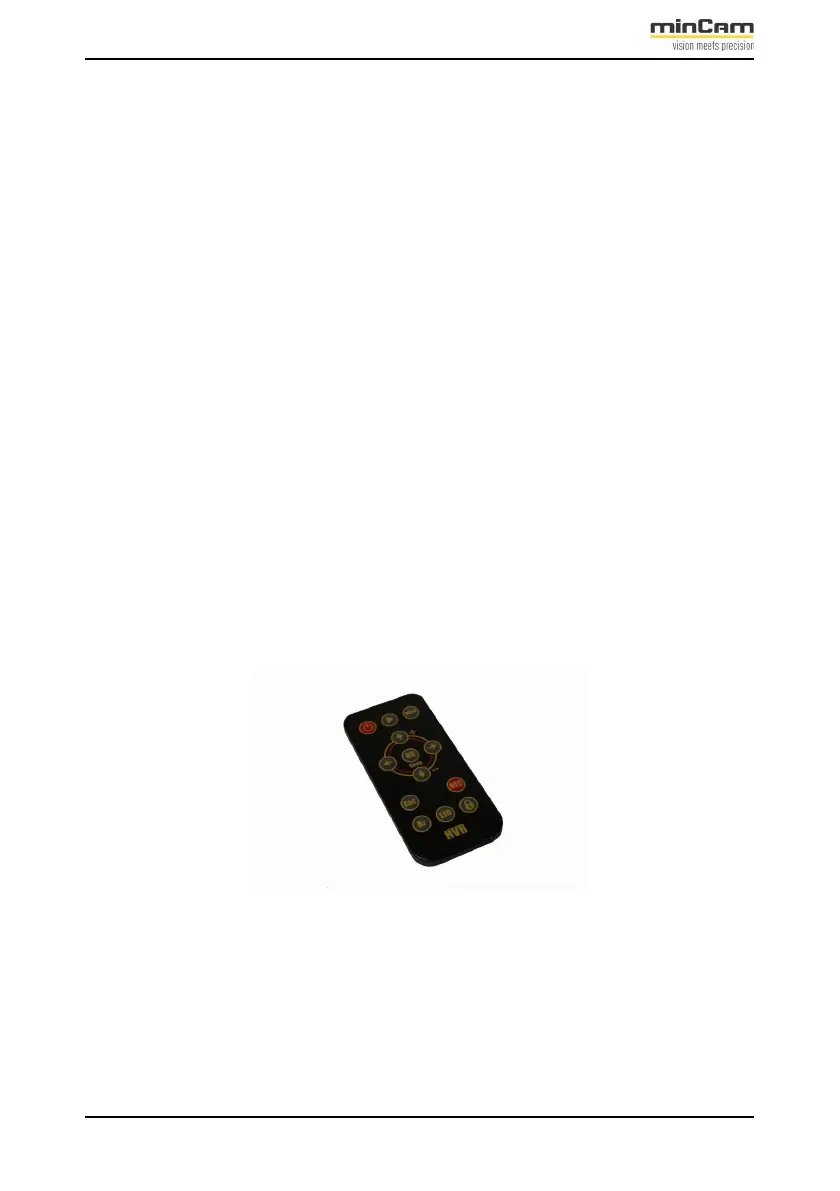
Figure 2.7: Remote control TFT5(R)


 To Next Page