User Manual minCam360compact
®
®minCam GmbH, Bundesstraße 9, 87538 Fischen, Germany info@mincam.de
Version: March 2020, according to the technical state of the art at the time of publication, subject to alterations.
2.2.5
Picture
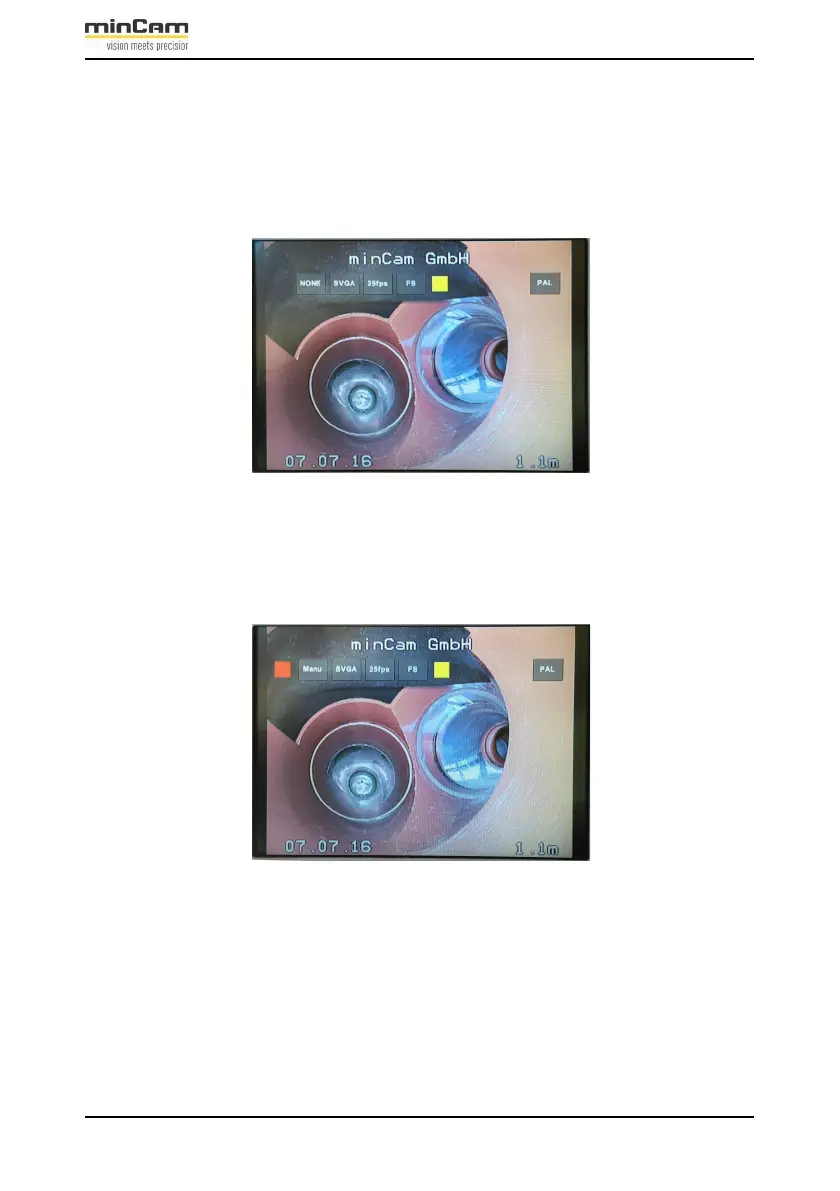
A damage picture is taken by pressing the camera button “OK“. During the saving
process, a yellow square appears in the middle of the screen (when displayed via the
storage unit):
Figure 2.13: yellow square during the saving process of a damage picture.
It is also possible to save an image while a video recording is in progress. In this case,
the video is not recorded for about 2 seconds while the picture is saved.
Figure 2.14: Saving a picture of the damage during video recording.
In both modes a beep is heard when a damage picture has been saved.


 To Next Page