User Manual minCam360compact
®
®minCam GmbH, Bundesstraße 9, 87538 Fischen, Germany info@mincam.de
Version: March 2020, according to the technical state of the art at the time of publication, subject to alterations
2.
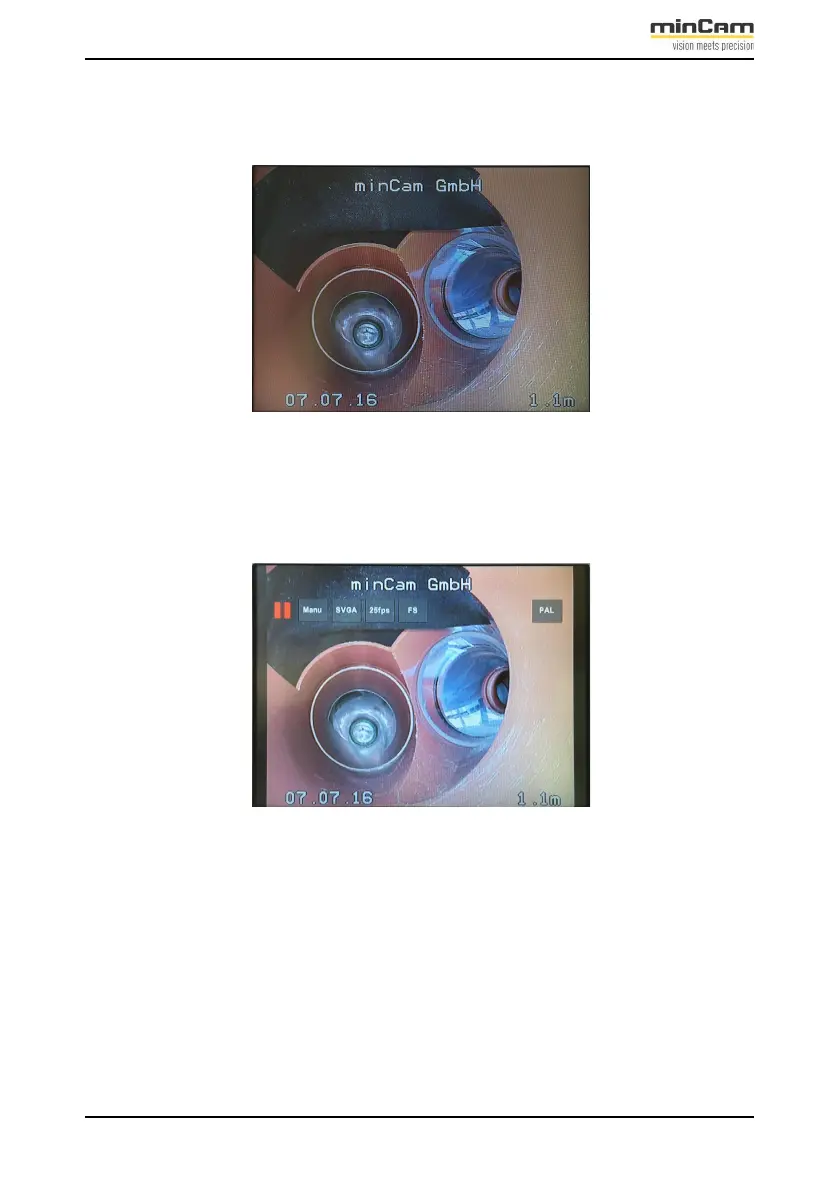
Direct live picture display in 4:3 format for better display of the camera
signal. The recording continues in the background:
Figure 2.11: Direct display of the live picture
3.
Pause the video recording with the “ESC“ button. The recording is paused
until you press the “ESC“ button again.
Figure 2.12: Recording paused
4.
“REC“ button - Stop video recording. The video is saved.


 To Next Page