User Manual minCam360compact
®
®minCam GmbH, Bundesstraße 9, 87538 Fischen, Germany info@mincam.de
Version: March 2020, according to the technical state of the art at the time of publication, subject to alterations
1.2.4
Commissioning WiFi
If the minCam360compact
®
is operated via WiFi, the respective app (available for
Android and iOS) has to be installed on a smartphone or tablet.
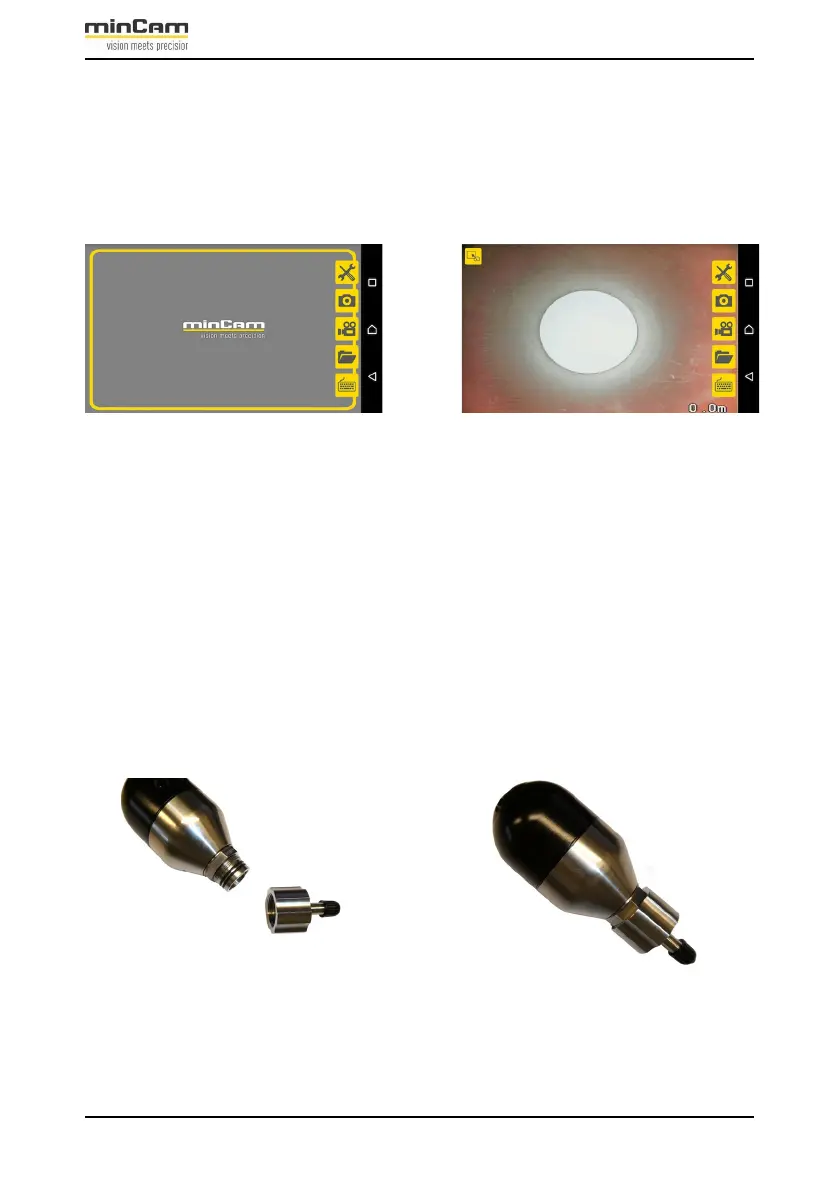
Figure 1.4: minCam
®
App.
To connect the mobile device to the system, enter the SSID and the password
12345678 that is on the system. Once the connection is established, the app can be
started on the mobile device. The minCam360compact
®
can now be controlled via
the intuitive app.
1.2.5
Pressurizing
Before starting the inspection, check the internal pressure of the camera and
pressurize the camera with nitrogen if necessary.
For this purpose, screw the pressurizing adapter in the accessories case onto the
camera.
Figure 1.5: Pressurizing adapter for the camera


 To Next Page