User Manual minCam360compact
®
®minCam GmbH, Bundesstraße 9, 87538 Fischen, Germany info@mincam.de
Version: March 2020, according to the technical state of the art at the time of publication, subject to alterations
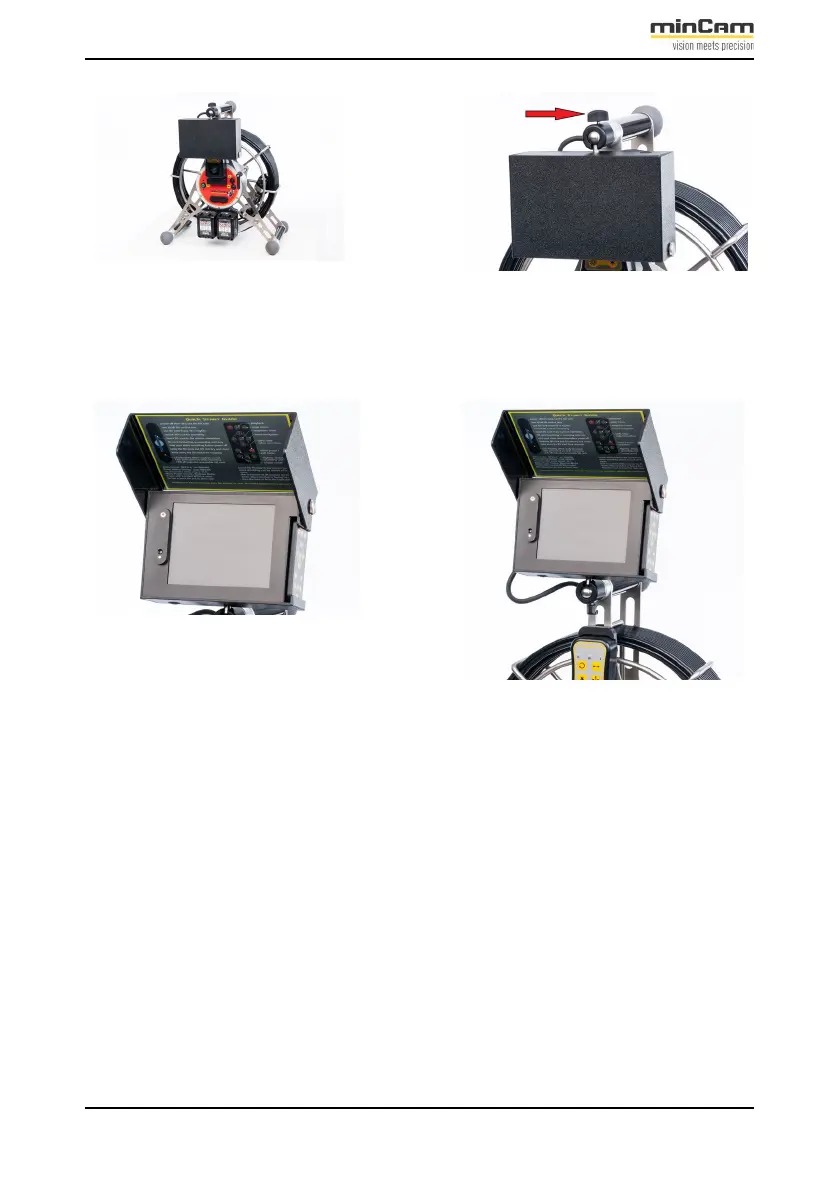
Figure 1.2: Adjusting the monitor case
To open the case, unfold the sun visor. The unit is ready to use.
Figure 1.3: Opening the monitor case
2.
Pressurize the camera (cf. 1.2.5)
3.
Adjust the brake (cf. 2.3)
4.
Switch on the minCam360compact
®
(Status cf. 2.2.1)
5.
Position the camera at the beginning of the pipe.
6.
Set the meter counter to 0.
7.
Enter text (if required) (cf. ??)
8.
Start video recording (cf. 2.2.4)
9.
Start the inspection


 To Next Page